
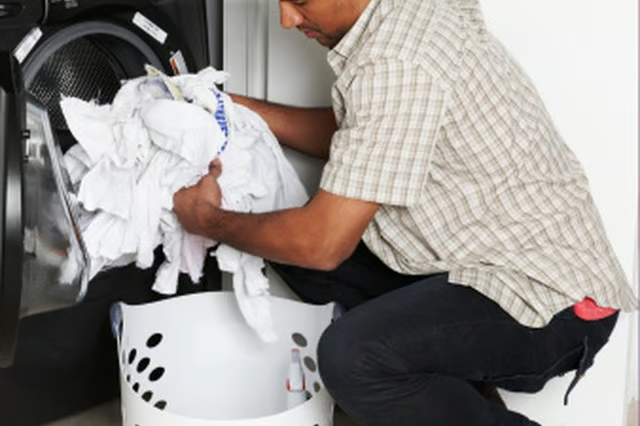


When the washer is in operation, the front door will be automatically locked to prevent spills and burns. If you need to open the door while it is locked it is possible to unlock the door, however you must wait for the water to drain and for the washer to cool.
-
Locate the "Door Lock" indicator light on the LCD display to verify that the door is locked.
-
Press the "Start/Pause" button on the front of the control panel to pause the current cycle. If the door is able to be opened, it will be unlocked and the washer can be opened.
-
Activate the "Drain & Spin" cycle to drain the washer if it is full of water. To activate the cycle, press the "Power" button to turn off the washer. Press it again to turn the washer back on. Press the "Spin Speed" button, then press the "Start/Pause" button. The washer will now drain and the door will unlock once the cavity is empty.
The Drip Cap
- The LG Tromm series of washing machines are front-loading, energy efficient machines designed for residential use.
- When the washer is in operation, the front door will be automatically locked to prevent spills and burns.
- Press the "Start/Pause" button on the front of the control panel to pause the current cycle.