

-
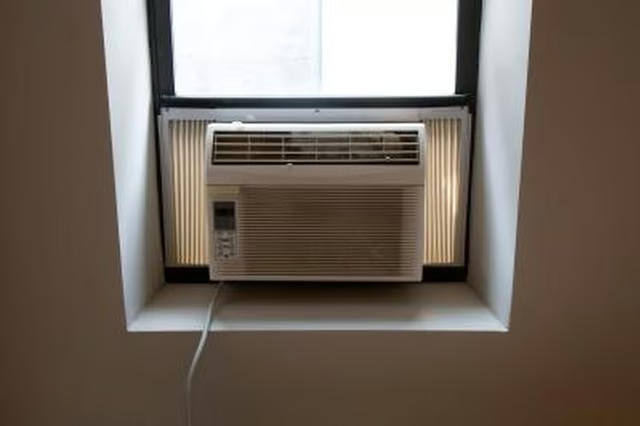
Plug the Zenith air conditioner into a power supply. Do not plug into an extension cord, as extension cords cannot support the power needed for the device.
-
Turn the power switch to "On" and choose "Low" or "Hi" fan speed. This will moderate how slowly or quickly the fan blows.
-
Adjust the temperature control dial to the desired cooling level. "Fan Only" will only blow air but will not provide additional cooling. Turn the dial to "Cool On" for cooling and then adjust to the desired level of cooling, with "1" being the lowest amount of cool air and "9" being the highest amount of cold air.
-
Use the control tabs on the horizontal control near the top of the unit to direct the air flow in the desired direction.
-
Wait at least three minutes between switching between a "Fan Only" setting to a "Cool On" setting to allow time for the air conditioner to adjust. Turn off the air conditioner when not in use.
Articles
View All Hover to load posts
Articles
View All Hover to load posts
Articles
View All Hover to load posts
Articles
View All Hover to load posts
Articles
View All Hover to load posts
Articles
View All Hover to load posts
Articles
View All Hover to load posts
Articles
View All Hover to load posts
Articles
View All Hover to load posts
