


The method you use to remove a desk drawer lock depends on how the manufacturer has secured the lock to the drawer. Some manufacturers simply screw the lock on, while others use a clip to secure the lock.
Things You Will Need
-
Open the desk drawer and examine the back of the lock where it fits against the back of the drawer front. Some locks secure with two screws at each side.
-
Insert the key into the lock cylinder and turn the key counterclockwise to move the lock tab from over the left or right retaining screw. If you do not have the key, turn the tab using a pair of vise grips.
-
Remove the screws with a Phillips-head screwdriver. Pull the back of the lock away from the cylinder and pull the lock cylinder out of the drawer.
-
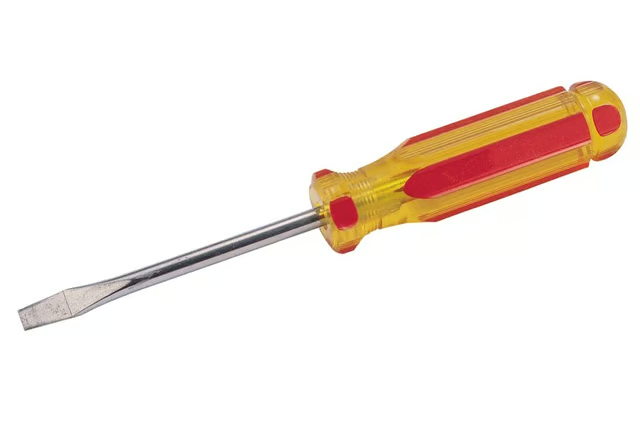
Look for the C-clip securing the lock to the drawer if there are no screws. Pry the C-clip off with a flat-head screwdriver. Pull the lock bolt tab off the rear of the lock and pull the cylinder out of the drawer.
The Drip Cap
- Desk drawers use a cam lock much like file cabinets.
- Remove the screws with a Phillips-head screwdriver.
- Pull the lock bolt tab off the rear of the lock and pull the cylinder out of the drawer.