


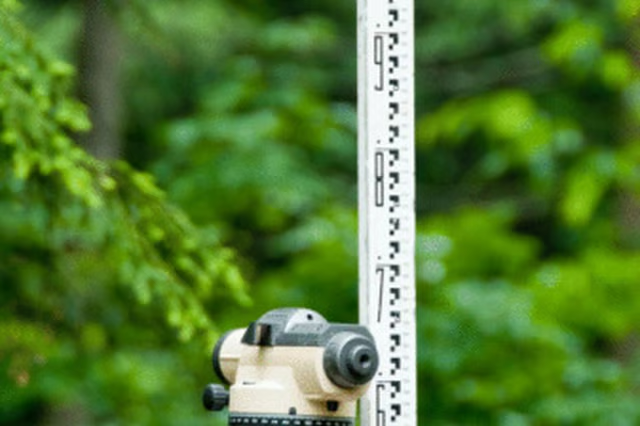
Engineer's rods, on the other hand, have graduations for feet, but not inches. They use tenths and hundredths of a foot instead to simplify the calculation process.
Things You Will Need
-
Extend the grade rod to its full length, or make sure the numbers are spaced evenly. This is particularly important with a telescoping grade rod. If the telescoping rod is not fully extended you could be skipping numbers and record an inaccurate measurement.
-
Set up the transit level on its tripod. Make sure the tripod is stable and stationary when the level is pivoted.
-
Determine the points where you need your measurements.
-
Have your assistant hold the grade rod vertically. It needs to be plumb to ensure an exact measurement. Make sure the rod is plumb by holding a torpedo level along the side or by adjusting the rod so it is lined up in the cross-hair of the transit level.
-
Adjust the zoom and the focus of the transit level to read the numbers on the grade rod.
-
Take note of the measurement and move the grade rod to the next location. The transit will stay in the same place, mounted to the tripod, but will swivel to view the rod.
The Drip Cap
- Grade rods are tools used to measure a change in elevation.
- They use tenths and hundredths of a foot instead to simplify the calculation process.
- Extend the grade rod to its full length, or make sure the numbers are spaced evenly.
- Make sure the rod is plumb by holding a torpedo level along the side or by adjusting the rod so it is lined up in the cross-hair of the transit level.