


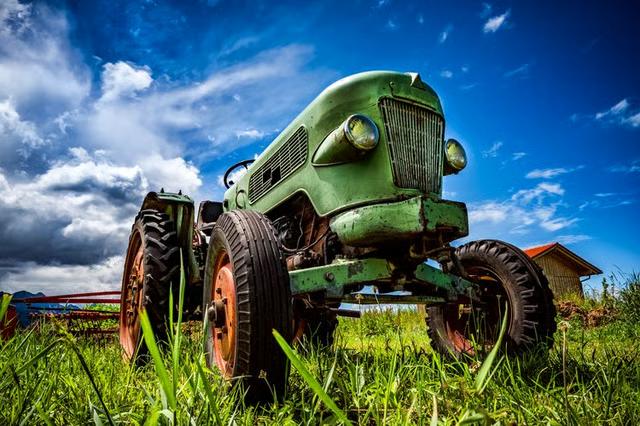
If your Ferguson tractor has its tractor and engine serial number (SN) plates, identifying the tractor's model and year of manufacture is relatively easy. If the tractor is an older model, this serial number may have rusted or worn off over time; however, it's still possible to identify your Ferguson tractor.
The History of Massey-Ferguson
In 1953, the Massey Manufacturing Company merged with Harry Ferguson; the company then became Massey-Ferguson. Prior to this, Massey-Harris had been the name given to all tractors built by the Massey Manufacturing Company.
Ferguson tractors from this time period were models known as "Massey-Ferguson 35." They were often painted with grey tin work and copper-colored castings. In addition, older Ferguson tractors had a dual clutch option, a dual range gearbox and a dual lever hydraulic control system.
Locating Your Tractor's Serial Number
You must obtain your tractor's serial number to determine the exact make, model and manufacture date of the tractor. To start, check the manual for the tractor's serial number; it will be either on the front cover or within the first two pages.
Checking the Tractor
If you do not have your manual, the serial number can also be found in various places on the tractor itself. Locate the serial number by checking the lower left-hand side and lower right-hand side of the steering wheel panel. In addition, certain older Ferguson tractors have the serial number stamped to a plate mounted to one of these areas of the steering wheel panel.
You could also inspect the left- and right-hand sides of the tractor's main frame. Some older Ferguson tractors have the serial number stamped to a plate on the outside of one of these areas of the main frame. In addition, many older Ferguson tractors have the serial number stamped to a plate mounted to the top of the transmission housing.
Contact a Massey Tractor Dealer
Finally, if you are unable to locate your tractor's serial number, take a picture of your tractor. Then, simply take the picture to a local Massey-Ferguson dealer to help you identify the make, model and manufacture date of your tractor.