


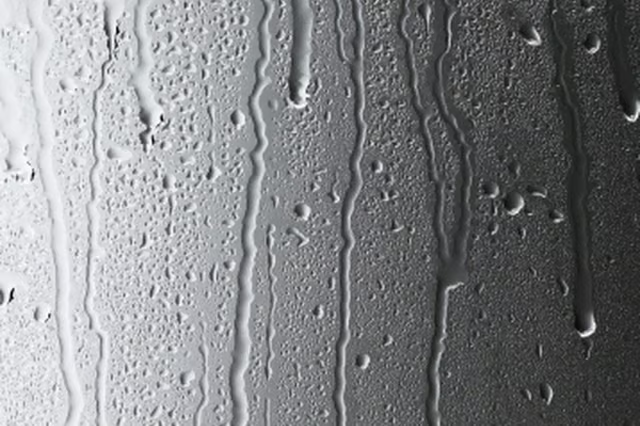
The water then condenses into droplets and collects in a reservoir, or bucket, within the dehumidifier. This bucket needs to emptied regularly for the dehumidifier to work effectively. Certain dehumidifiers are self-draining while other models must be emptied manually.
-
Check the dehumidifier. Most models have an indicator light that lights up or blinks if the dehumidifier water reservoir is full. If your model does not have an indicator light, open the door leading to the bucket to check water levels.
-
Open the side door leading to the dehumidifier’s water reservoir if the model is not self-draining. If the model is self-draining, it will need to be attached to a drainage system that will empty the water bucket.
-
Slide the water bucket out of the dehumidifier carefully so as not to displace any of the water.
-
Empty the water into an area with a drain or outside.
The Drip Cap
- A dehumidifier is a household or commercial appliance used to take moisture out of the air around its location.
- This bucket needs to emptied regularly for the dehumidifier to work effectively.
- Open the side door leading to the dehumidifier’s water reservoir if the model is not self-draining.