
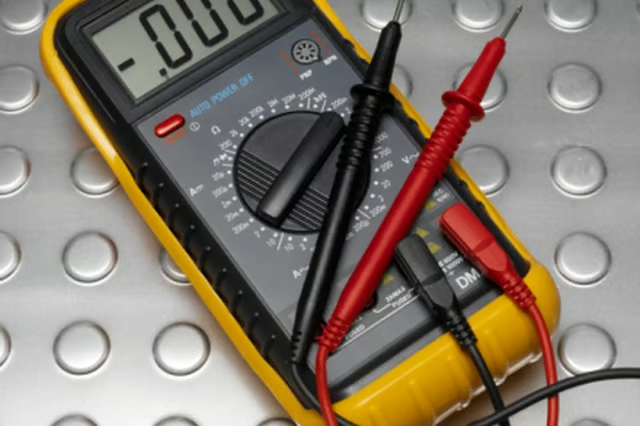
Displayed as μF F, mfd, MFD, MF and UF, micro-farad measurement on a multimeter is usually indicated by "MFD." Compare the measured MFD with the capacitors expected MFD measurement. Replace capacitors with multimeter readings of 10 percent or greater difference from the original specifications. Always discharge the capacitor before testing.
Things You Will Need
-
Wrap a portion of heavy-gauge copper wire with electrical tape to provide an insulated barrier from electrical current.
-
Remove power to the device in which the capacitor is located.
-
Access the capacitor. Grasp the copper wire by the insulated end, and touch the bare-copper wire against the capacitor leads. Hold the wire against the capacitor for 30 seconds or more. If the wire gets hot, remove the wire from the leads and allow it to cool. Repeat the discharge process for 30 seconds to ensure the capacitor is fully discharged.
-
Adjust the multimeter to measure capacitance, often displayed as "MFD." Touch the multimeter probes against each of the capacitor leads, one prong to a lead.
-
Read the output on the multimeter. Compare the MFD value to the specified value on the capacitor.
The Drip Cap
- Capacitors store an electrical charge on two plates separated by an insulator.
- Displayed as μF F, mfd, MFD, MF and UF, micro-farad measurement on a multimeter is usually indicated by "MFD." Grasp the copper wire by the insulated end, and touch the bare-copper wire against the capacitor leads.
- Repeat the discharge process for 30 seconds to ensure the capacitor is fully discharged.