


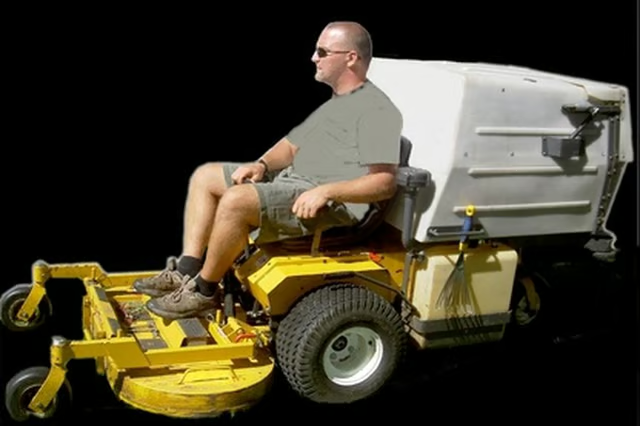
They are built to tackle the largest of landscaping jobs and come with a PowerVac Collection System that creates a completely manicured finish. As well engineered as these machines are, sometimes wear and tear can cause breakdowns. Before calling in a service technician, there are a few troubleshooting steps you can try on your own.
-
Check for any loose or damaged blades if the mower shakes excessively. Do not place your hands anywhere near the blades while the engine is still on and the blades still turning. Check for any broken welds and engine mounts. The shaking could also be due to a bent crankshaft. If this is the case, have a qualified technician check it out. Make sure that there are no branches or debris tangled in the blades.
-
Check the belt tension before and after each mowing. Tighten as necessary.
-
Inspect the air filter for any debris or dirt. Clean or replace as necessary. Use compressed air to blow the filter.
-
Inspect the terminals on the battery for any dirt or corrosion. Clean the terminals as necessary using a toothbrush or pocketknife. Make sure all the connections and wires are secure.
-
Adjust the tension on the drive-belt if the mower is hard to shift. Turn the mower off and using a wrench, remove the belt from the large idler pulley. Remove the belt and the idler pulley. Loosen the adjustable idler pulley and move it toward the rear of the mower to tighten. Move it in the opposite direction to loosen. Tighten the pulley and replace the belt.