
Things You Will Need
-
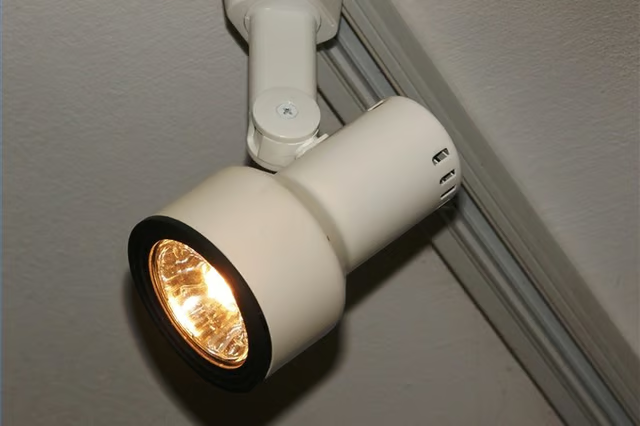
Turn the lights off and remove the track light head. To do this, look for the "lock" and "unlock" switch near the top of the fixture. Switch it to "unlock." If your lights are high, you may need to use a ladder for this step.
-
Twist the fixture about a quarter-turn counterclockwise and pull down. The head should easily come loose.
-
Put on protection gloves, since the bulbs are sometimes sensitive and can break easily.
-
A plastic ring will be visible around the bulb. Remove this to allow better access to the bulb. Press on the face of the light bulb and slowly twist it counterclockwise.
-
The bulb should come loose. Place the light bulb in a double plastic bag and dispose of it in your garbage. By double bagging it, you will eliminate any chance of the bulb breaking and release harmful chemicals.
-
Screw your replacement light bulb clockwise into the fixture until it feels snug.
-
Put your fixture back in by turning it clockwise until it snaps. Don't forget to change your switch button to the "lock" position to avoid the head from falling. Turn on your lights.
The Drip Cap
- Track lights provide bright lighting for your home.
- The head should easily come loose.
- By double bagging it, you will eliminate any chance of the bulb breaking and release harmful chemicals.
- Screw your replacement light bulb clockwise into the fixture until it feels snug.