
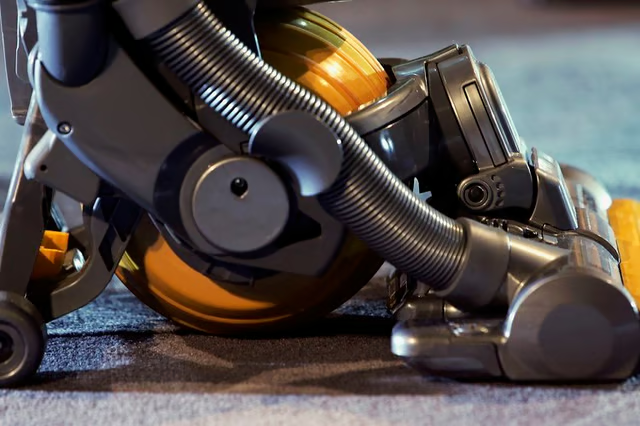
From time to time, vacuum cleaners can get clogged with dirt and debris and cease to work properly. This is undoubtedly the most common problem with vacuums. In fact, most models are working under capacity because of this. Luckily, this is typically a problem that's easy to remedy. In this case, you'll simply need to disassemble your vacuum cleaner to identify what the problem is, perform general maintenance and remove any clogs.
All the main components of a Dyson Ball vacuum cleaner can be disassembled including the dustbin, the cleaning head, the hose, the motor and the handle.
Things You Will Need
-
Before you begin disassembly, turn off the vacuum and unplug it from its power source to avoid electrical shock.
-
The dustbin is located in the center of the upright part of the Dyson vacuum. Push the button on top of the handle and pull the bin towards you to remove the dustbin from the vacuum.
-
To release the cleaning head of your Dyson vacuum, lay the vacuum on the floor so that you can see the bottom of the cleaning head. Next, press the small tab at the base of the cleaning head towards the vacuum in order to release it.
-
Removing your vacuum handle is simple. Firmly grasp the handle and pull it straight up and this should remove it immediately.
-
To release your vacuum hose, push in the small tab at the base of the hose.
-
Disassembling your vacuum should be a quick and simple task. Keep in mind that Dyson provides consumers with a five-year warranty on all parts and labor for its vacuum cleaners. Don't hesitate to contact the company if a problem with your vacuum does arise.