

-
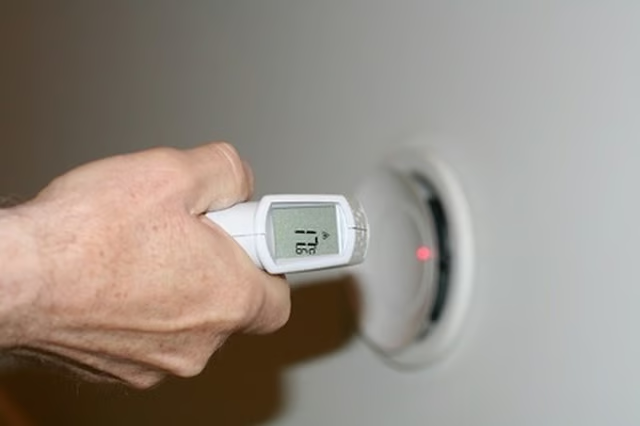
Locate the air intake, which is usually located in the ceiling, the baseboard of a wall or occasionally the floor. The air intake is the location where the air filter is installed.
-
Point an infrared thermometer directly at the air intake while the unit is running. Turn the thermometer on and pull the trigger to measure the temperature. This will tell you the temperature of the air that is entering the air conditioner.
-
Move to one of the air vents and position a step stool or ladder underneath it. Climb up so that you are positioned just under the vent.
-
Point the thermometer at the location just under the vent and press the trigger to determine the temperature of the air that is coming out of the vent.
-
Subtract the temperature of the air coming out of the vent from the temperature of the air at the point of intake. For example, if the intake temperature is 85 degrees and the vent temperature is 65 degrees, you would arrive at a 20-degree difference. If the difference is more than 15 degrees, the air conditioner is working fine. If the difference is less than 15 degrees, have a professional check the system, as it is not cooling efficiently.
Articles
View All Hover to load posts
Articles
View All Hover to load posts
Articles
View All Hover to load posts
Articles
View All Hover to load posts
Articles
View All Hover to load posts
Articles
View All Hover to load posts
Articles
View All Hover to load posts
Articles
View All Hover to load posts
Articles
View All Hover to load posts
