

-
Place the front left and right speakers on each side of the TV with the center speaker below or above the television. Set the subwoofer on the floor close enough that the attached wire can reach the Coby receiver. Place the two rear speakers behind the seating area on the left and right.
-
Connect the white wire on the front left speaker to the corresponding terminal on the back of the Coby receiver. Press the terminal lever and insert the wire into the hole underneath. Connect the other speakers in the same manner. The right front speaker has a gray wire and the center speaker is equipped with a red wire. The left and right rear speakers have yellow and blue wires, respectively. The subwoofer wire is green.
-
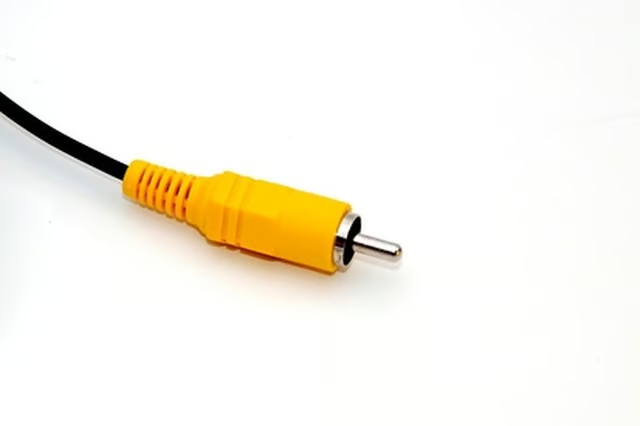
Plug in the yellow video cable to the round video-out jack on the back of the Coby and connect the other end to the video-in jack on your TV.
-
Plug in the power cords for the Coby receiver and TV.
Articles
View All Hover to load posts
Articles
View All Hover to load posts
Articles
View All Hover to load posts
Articles
View All Hover to load posts
Articles
View All Hover to load posts
Articles
View All Hover to load posts
Articles
View All Hover to load posts
Articles
View All Hover to load posts
Articles
View All Hover to load posts
