How to Connect Wires to a Fish Tape

How to Connect Wires to a Fish Tape
Written By
Keith Dooley
Keith Dooley
Published: Jan 13, 2011
Updated: Nov 20, 2021
1 minute read

Things You Will Need

  • Fish tape
  • Wiring
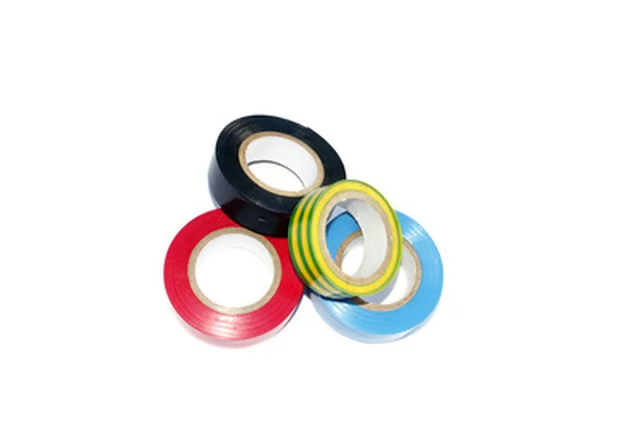
  • Electrical tape
  • Scissors

A fish tape is a thin metal strip that can be used to pull wiring through a wall to where a new television or speaker will be installed. Attaching the wire to a fish tape should be done so that it remains securely in place as it is pulled.

  1. Feed the fish tape through the wall to the opening where wires will be attached.

  2. Pull the hooked end of the fish tape from the wall so it is easily accessible.

  3. Bend the wires over the hook on the end of the fish tape. Fold the wires down and against the main length of wiring.

  4. Wrap electrical tape around the wire beginning at least 1 inch below the end of the folded-over wire.

  5. Wrap the tape up the wire, making overlapping wraps. Continue wrapping the electrical tape over the hook of the fish tape and up the fish tape for another inch. Cut the duct tape free from the roll with scissors. Now you can pull the fish tape through the wall or conduit -- and the wire will be pulled along with it.

Photo Credits

adhésif image by Unclesam from Fotolia.com

adhésif image by Unclesam from Fotolia.com

Keith Dooley

Keith Dooley has a degree in outdoor education and sports management. He has worked as an assistant athletic director, head coach and assistant coach in various sports including football, softball and golf. Dooley has worked for various…

Sponsored
HomeSteady Logo

HomeSteady is the ultimate guide for all your household needs, from cleaning and HVAC to electrical, DIY and maintenance.

Property of TechnologyAdvice. © 2026 TechnologyAdvice. All Rights Reserved

Advertiser Disclosure: Some of the products that appear on this site are from companies from which TechnologyAdvice receives compensation. This compensation may impact how and where products appear on this site including, for example, the order in which they appear. TechnologyAdvice does not include all companies or all types of products available in the marketplace.