


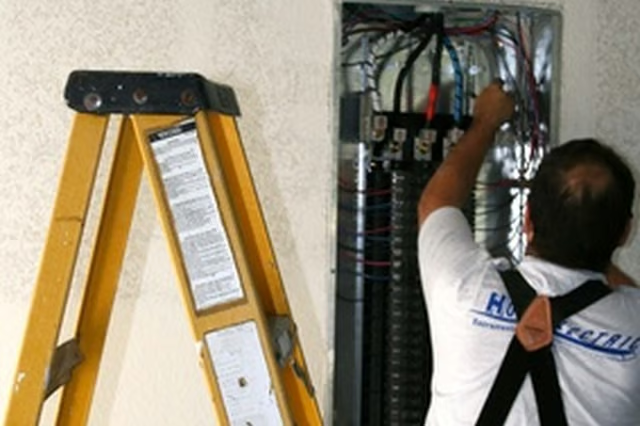
If the circuit becomes overloaded, or if there is a short on the circuit, the fuse will break. This stops the circuit and the power from reaching the outlets or devices that were previously powered by that circuit. In order to restore power, you need to know how to find the problem fuse in your fuse box and replace it.
-
See if the power in the rest of the house still works. If only certain devices or the lights in a certain room have gone off, then you likely have a blown fuse.
-
Locate the appropriate fuse in the fuse box. Fuses should be labeled. Identify the blown fuse by inspecting the fuses visually. Fuses in all devices, not just household fuse boxes, work by having a wire overheat and melt, causing a break in the circuit if the circuit becomes overloaded. When you inspect a household fuse, a blown fuse will appear to have a grey cloud on its surface. This is a fuse that needs to be replaced.
-
Turn off the power to the fuse box if you have the ability to do so. Some fuse boxes will have a primary override switch that you can use to kill the power to the entire box.
-
Unplug all the household devices that were plugged into outlets on the circuit that has the blown fuse. Also, turn off any lights on that circuit.
-
Replace the blown fuse. Use a fuse that is rated for the same number of amps as the one that you are replacing.
-
Turn the power back on to the fuse box, if you turned it off.
-
Start plugging devices back in one by one. If your fuse blows again immediately, you should contact an electrician.