


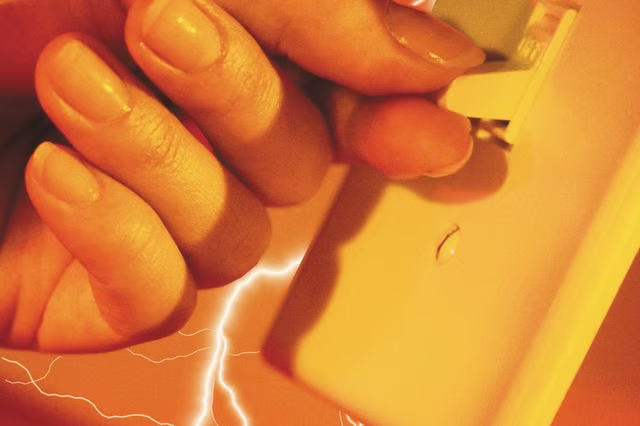
With both conductors carrying 120-volts, there is an increased risk of injury or property damage. While this task is not complex, it should only be attempted if you are familiar with electrical wiring and safety procedures.
Things You Will Need
-
Turn off the breaker that supplies the circuit at the main service panel. Never perform any work on a live circuit.
-
Use the voltmeter to check the wires you will be attaching the switch to. If you get a reading on the voltmeter other than zero, stop. Contact an electrician before attempting any further electrical work.
-
With zero on the voltmeter, use the wire stripper to remove ¾-inch of insulation off all three leads of the supply wires. These are both “hot” wires and the ground wire. Remove the same amount of insulation from both “load” wires. These are the wires leading to the appliance.
-
Connect the ground wire to the switch’s grounding terminal. Use a screwdriver to tighten the terminal’s screw to secure the wire in place.
-
Connect both “hot” wires to the terminals on the supply side of the switch. Use a screwdriver to secure each wire to its respective terminal.
-
Connect and secure both load wires to the remaining terminals on the load side of the switch.
-
Attach the switch’s cover plate. Restore power to the circuit at the service panel.
The Drip Cap
- Wiring a 20-amp, 240-volt switch can be a confusing experience for the average homeowner used to working with standard 110-volt circuits.
- Remove the same amount of insulation from both “load” wires.
- Connect the ground wire to the switch’s grounding terminal.
- Use a screwdriver to secure each wire to its respective terminal.