


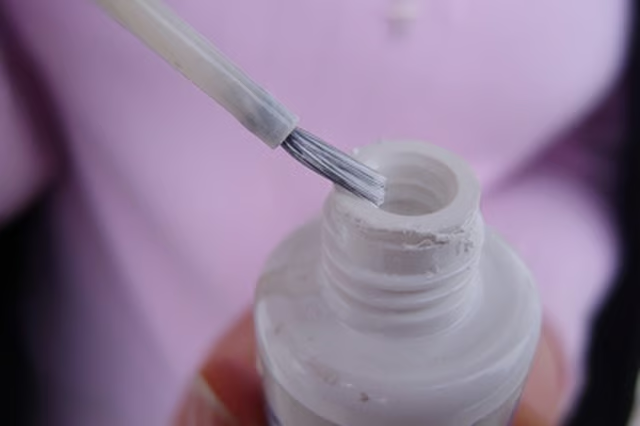
After the fluid dries, it forms a hard surface on which you can type or write new words. Because of the chalky, hard consistency of the correction fluid, it can be challenging to remove it from other materials such as plastic.
Things You Will Need
-
Hold a coin between your fingers and use the edge of it to scrape off as much of the white-out from the plastic surface as possible. Be careful not to scratch the surface of the plastic as you do this.
-
Apply 1 to 2 tsp. of acetone to a paper towel or cloth. Place the cloth over the white-out stain and rub firmly to remove the stain from the plastic. If the white-out stain is difficult to remove, place the acetone-soaked area of the cloth over the stain and allow it to sit for 15 minutes to soften the stain. After 15 minutes, rub the stain with the cloth to remove it from the plastic.
-
Apply 1 tsp. of mineral spirits to the sponge and rub the sponge gently against the plastic item to remove all traces of the white-out correction fluid. Once the stain is completely gone, rinse the sponge in clean water and wipe the plastic surface to remove all traces of the mineral spirits.
The Drip Cap
- White-out, also known as correction fluid, is a thick, white fluid that one applies in a thin layer onto mistakes in paper documents.
- It is available in a variety of applicators including a pen, a tape applicator and a bottle and brush applicator.
- Once the stain is completely gone, rinse the sponge in clean water and wipe the plastic surface to remove all traces of the mineral spirits.