


Step 1
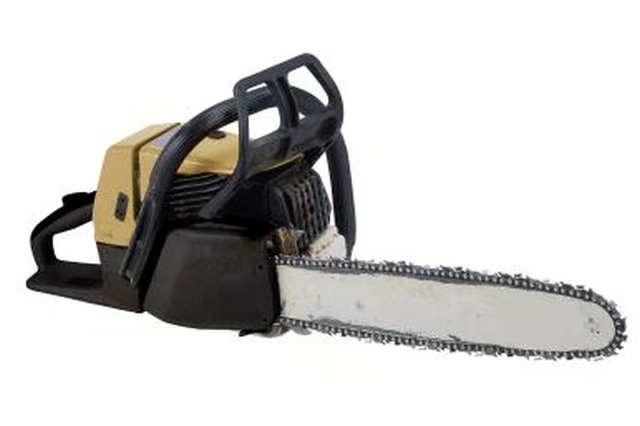
Place the chainsaw on a sturdy work table with the top side facing up. Turn the retention knob on the chainsaw's main plastic cover to the left. Lift the cover off of the chainsaw.
Step 2
Unscrew the Phillips-head screws on the chain cover and pull it off the chainsaw assembly. Locate the bar retention screw. Turn the screw in the counterclockwise direction to loosen the chain. Loosen the nuts on the bar where it mounts to the body of the chainsaw. Slide the chain and bar assembly out of the chainsaw assembly.
Step 3
Disconnect the rubber boot from the spark plug. Turn the spark plug in the counterclockwise direction with a 1/2-inch socket and socket wrench. Remove the spark plug from its socket.
Step 4
Insert a wrench or similar tool inside the vacant spark plug socket. This prevents the chainsaw engine's piston from turning while you dismantle the chainsaw.
Step 5
Locate the chainsaw's crank shaft on the left side of the chainsaw. Remove the E-clip from the crank shaft post with a flat-head screwdriver. Slide the washer, sprocket and drum assembly off the crank shaft. This reveals the clutch assembly inside the chainsaw.
Step 6
Loosen the clutch bolt with a socket wrench. Turn the bolt clockwise to loosen it. Most Craftsman chainsaw clutches are mounted in place with left-handed bolts.
Step 7
Pull the springs out of the clutch assembly. Disengage the clutch shoes from the chainsaw engine.
Step 8
Reverse this procedure to install the replacement clutch and put your chainsaw back together.