


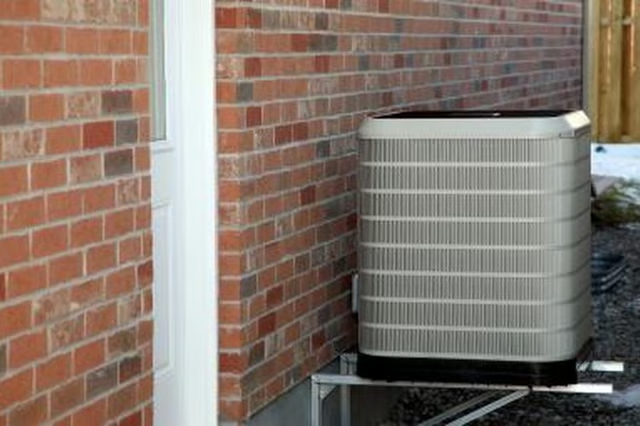
Step 1
Shut off the heat pump at the wall thermostat inside the building, then switch off the circuit breaker that controls the heat pump. Depending on your model, there may also be a red lever mounted to an electrical junction box on the exterior wall near the heat pump. Push the lever down until it clicks to shut off the electricity to the unit if you do not have a separate breaker indoors.
Step 2
Unscrew the nuts on the ends of the vapor lines attached to the bottom side of the heat pump. Pull off each hose from the heat pump but leave the other ends connected to the building.
Step 3
Place a piece of duct tape over the opening on the end of each hose to prevent clogs while the hoses are disconnected.
Step 4
Unscrew the three terminal cores to disconnect the electrical wiring on the side of the heat pump facing the building. Pull each terminal core and attached wire out of the socket on the heat pump.
Step 5
Turn the Y-shaped drain valve on the heat pump counterclockwise to empty collected fluid from the unit. Newer heat pumps may not use a drain valve, so this step may not apply to your unit.
Step 6
Unscrew the union bolts holding the heat pump to the support platform or base, using a wrench. Pull out the bolts.
Step 7
Lift and remove the heat pump while wearing work gloves to protect your hands from the sharp metal fins along the sides. Enlist a helper to assist. The disconnected heat pump can be placed in the bed of a pickup truck or the back of a van for removal.