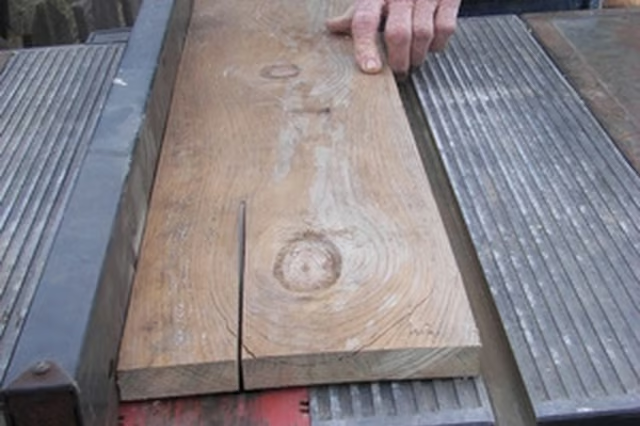
How to Cut a 52 Degree Angle on a Table Saw

How to Cut a 52 Degree Angle on a Table Saw
Written By
Warren Rachele
Warren Rachele
Published: Dec 9, 2010
Updated: Nov 20, 2021
1 minute read

Rip Cutting

  1. Tilt the blade on the saw to 38-degrees. If the gauge on your saw does not have enough detail to set this angle accurately, use a protractor to set the tilt.

  2. Lock the blade in the position and set the proper height for the lumber to be cut. The blade should not be greater than 1/8-inch above the thickness of the wood.

  3. Rip the lumber with the waste edge against the fence. The piece nearest the fence will have a 38-degree angle but the piece of lumber that passes to the left will have the complementary 52-degree angle.

Cross Cutting

  1. Set the miter gauge in its slot and set the angle to 90 degrees. Test the board to ensure that it is narrow enough to be safely cut on the table saw without pushing the gauge off of the table.

  2. Set the angle on the miter gauge to 52 degrees.

  3. Hold the board securely against the miter gauge fence and make the cut.

Tips

Complementary angles are a helpful concept for use where a cut needs to be made that seems to be beyond the angle allowed by your tools. If an angle exceeds the range of the tool, subtract that angle from 90 degrees to get the complementary measurement. Remember that the complementary angle (i.e. the one that is smaller than the permissible angle) will be on the fence side of the cut. Plan your cuts carefully to avoid wasting lumber.

Photo Credits

man sawing a piece of wood image by Joann Cooper from Fotolia.com

Warren Rachele

Warren Rachele has been writing since 1991. He has written two books, as well as articles on topics including programming and spirituality for "Your Church" and "PRISM" magazines. Rachele holds a Bachelor of Science in computer science…

Sponsored
HomeSteady Logo

HomeSteady is the ultimate guide for all your household needs, from cleaning and HVAC to electrical, DIY and maintenance.

Property of TechnologyAdvice. © 2026 TechnologyAdvice. All Rights Reserved

Advertiser Disclosure: Some of the products that appear on this site are from companies from which TechnologyAdvice receives compensation. This compensation may impact how and where products appear on this site including, for example, the order in which they appear. TechnologyAdvice does not include all companies or all types of products available in the marketplace.