


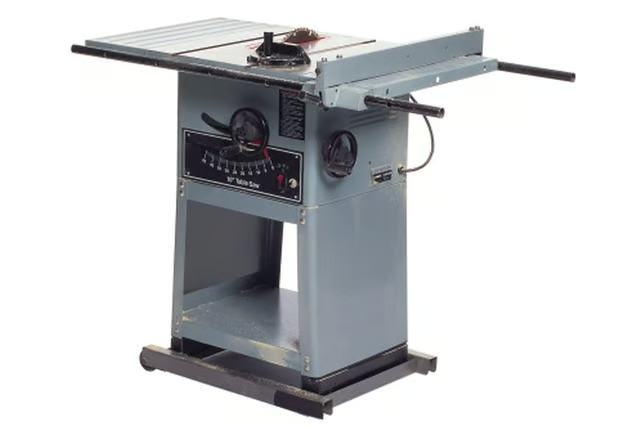
It is important that you first install a blade into your table saw that works for cutting metal. Carbide wood saws will not do a good job of cutting metal.
Things You Will Need
-
Measure the window or door for its size with a tape measure and then transfer those measurements to the table saw. You will cut off the excess material and leave the usable material on the table.
-
Measure from the edge of the saw blade to the rip fence and then slide the rip fence to the designed location on the tape measure. Lock the rip fence in place.
-
Measure the thickness of the hurricane shutter with the tape measure and then raise the height of the saw blade to a height slightly higher than the thickness of the shutter. To do this, locate the wheel on the front of the table saw that raises or lowers the blade.
-
Place the shutter against the rip fence and position it so it does not touch the blade.
-
Turn on the table saw and then slowly but steadily slide the shutter across the blade. It will not go across the blade as fast as a piece of wood. Allow time for the blade to cut the metal.
The Drip Cap
- Hurricane shutters mount to the outside of windows and glass doors to help protect the glass during a hurricane.
- If you acquired a set of hurricane shutters but you need to trim them to length to fit your windows or doors you can do so with a table saw.
- Lock the rip fence in place.
- Measure the thickness of the hurricane shutter with the tape measure and then raise the height of the saw blade to a height slightly higher than the thickness of the shutter.