

-
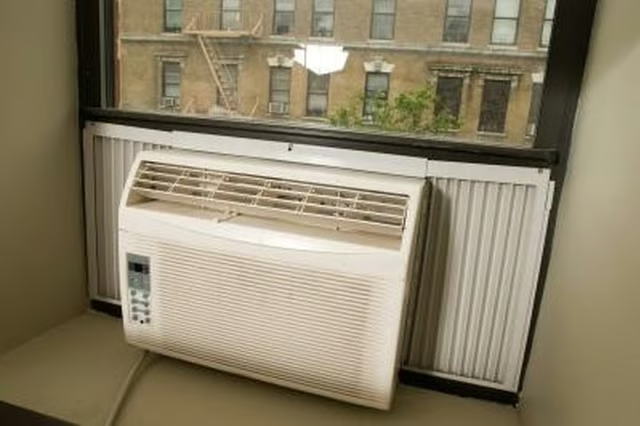
Unplug the air conditioner.
-
Remove the front cover from the air conditioner.
-
Open the panel where the electrical cord enters the air conditioner. Remove any screws that are holding the panel closed. Pull the panel open. You should see the connectors where the wires from the power cord connect to the air conditioner circuitry.
-
Make a note of which wires go to which connectors. If your air condition has a three-prong cord, you will have three wires coming from the cord; one hot wire, one neutral wire and one ground wire. Some older air conditioners may just have a two-prong cord with two wires.
-
Remove the wires from the connectors. The connectors may be slip-on connectors or they may be attached to the terminals with screws.
-
Remove the old power cord from the air conditioner. You may have to loosen a "strain-relief" clamp that holds the cord where it enters the air conditioner.
-
Use the wire crimper to attach the correct kind of connectors to the exposed wires at the end of the new power cord.
-
Insert the end of the new power cord into the air conditioner, taking the same path that the old cord took. Tighten the strain-relief clamp if there is one.
-
Attach the wires from the new power cord to the terminals where the old wires were attached.
-
Close the panel, replace the front cover and plug in the air conditioner.
-
Turn on the air conditioner and check it for proper operation.
Articles
View All Hover to load posts
Articles
View All Hover to load posts
Articles
View All Hover to load posts
Articles
View All Hover to load posts
Articles
View All Hover to load posts
Articles
View All Hover to load posts
Articles
View All Hover to load posts
Articles
View All Hover to load posts
Articles
View All Hover to load posts
