


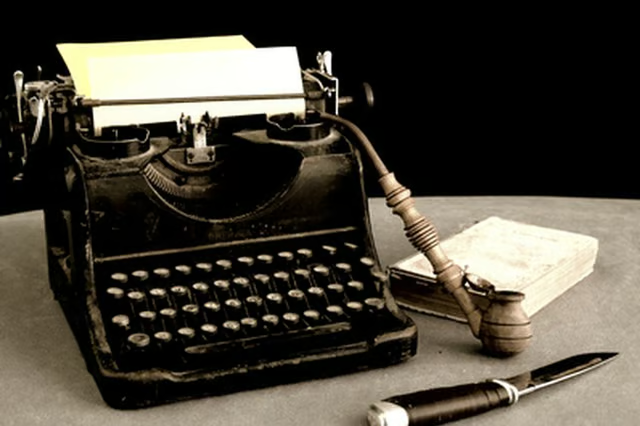
One common problem occurs when the typewriter locks because the key type bars -- the metal bars that imprint each letter as you type -- stick together. You can unlock your manual typewriter with a few troubleshooting steps.
Things You Will Need
-
Check that the carriage locking device is not in place. The locking device is normally on the right-handside of the machine near the carriage return bar. If it is locked, release the carriage lock. The carriage should now move when typing.
-
Look at the type bars to determine if they are jammed together. If so, use the jam-clear feature to release the jammed keys. In most typewriters, you can do this pressing the "Margin Release" key.
-
Gently clean any dust or deposits off of the type bars and carriage mechanism using the small, stiff brush and the compressed-air dusting canister.
-
Lightly apply sewing machine oil to the type bar mechanism using a lint-free cloth or a cotton-tipped applicator, depending on how exposed the mechanism is in the construction of your typewriter. Allow the machine to sit on several layers of newspaper for 48 hours to allow excess oil to drain from the machine.
-
If the typewriter continues to lock up, ensure that you are not typing too fast or striking multiple keys at the same time.
The Drip Cap
- Manual typewriters are no longer widely in use and many models are actually collector's items.
- If it is locked, release the carriage lock.
- In most typewriters, you can do this pressing the "Margin Release" key.
- Lightly apply sewing machine oil to the type bar mechanism using a lint-free cloth or a cotton-tipped applicator, depending on how exposed the mechanism is in the construction of your typewriter.