


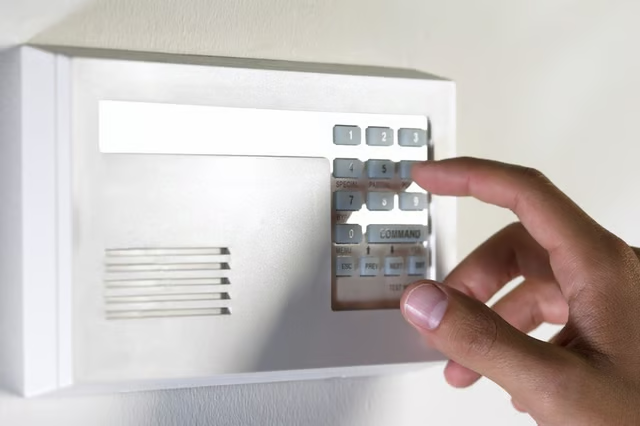
You can change the code, disable the keypad manually by entering a invalid code and reset the keypad if the device is not working properly. After you reset your Stanley garage door keypad, the device is ready to accept a new access code.
Things You Will Need
-
Press the “ACCESS LEARN” and “RADIO LEARN” keys together.
-
Hold the keys down for 10 seconds. The keypad “status indicator” light should be off. If the light is still illuminated, repeat step 1.
-
You have now reset your Stanley garage door keypad.
-
Press the “ACCESS LEARN” key two times. The “status indicator” light will blink each time. The light will then stay illuminated.
-
Enter a four-digit access code you want to use. If you can remember the old code, use it or create a new access code.
-
Press “ACCESS LEARN” one time. If the “status indicator” light blinks quickly, you will have to re-enter the code because the keypad did not process it correctly.
-
Press the “RADIO LEARN” key two times. The “status indicator” light will blink each time. The light will then stay illuminated.
-
Enter the “RADIO CODE” that applies to your Stanley garage door opener. This code will be the original paperwork that came with your Stanley garage door opener.
-
Press “RADIO LEARN” one time. The “status indicator” light will turn off. If the “status indicator” light blinks quickly, you will have to re-enter the code because the keypad did not process it correctly.
-
Your new Stanley garage door keypad is now back to a working state with your new access code.
The Drip Cap
- A Stanley garage door keypad is wall-mounted, battery-operated device that allows you to open your home's garage door electronically without having to manually lift the door or use a pull chain.
- After you reset your Stanley garage door keypad, the device is ready to accept a new access code.
- Hold the keys down for 10 seconds.
- Press the “ACCESS LEARN” key two times.
- The “status indicator” light will blink each time.
- The light will then stay illuminated.
Check out this related video from Homesteady on Youtube.