


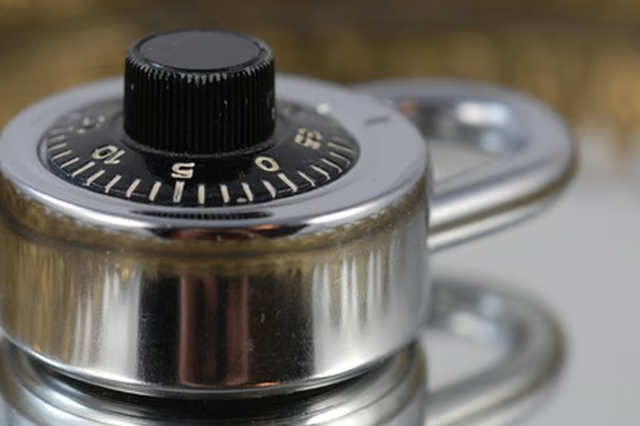
First documented by Muslim engineer Al-Jazari in his work, The Book of Knowledge of Ingenious Mechanical Devices, the combination lock uses a series of rotating discs, or cams, that when aligned properly, allow a locking pin or latch to be released. (See Reference 1) For added security and convenience, many combination locks can be reset, so you can change your combination, or change the combination to numbers you will likely remember.
-
Unlock the cash box using the existing combination. If the cash box is new, most manufacturers preset the lock to open using all zeros.
-
Open the cashbox lid. On most models, you will need to press a door-release button.
-
Locate the reset lever, often located on the inside of the cash box, near the combination dials.
-
Hold down the reset lever using a screwdriver and rotate the dials to set a new combination.
-
Release the reset lever.
-
Write down your new combination.
-
Close the cash box lid and lock the safe by spinning the dials to the combination lock. This will lock the cash box.
-
To open again, rotate the lock dials to your newly set combination, and lift the lid open.
The Drip Cap
- Combination locks have been keeping our bicycles, briefcases, gym locker and cash boxes safe for nearly 900 years.
- Write down your new combination.
- Close the cash box lid and lock the safe by spinning the dials to the combination lock.