


Things You Will Need
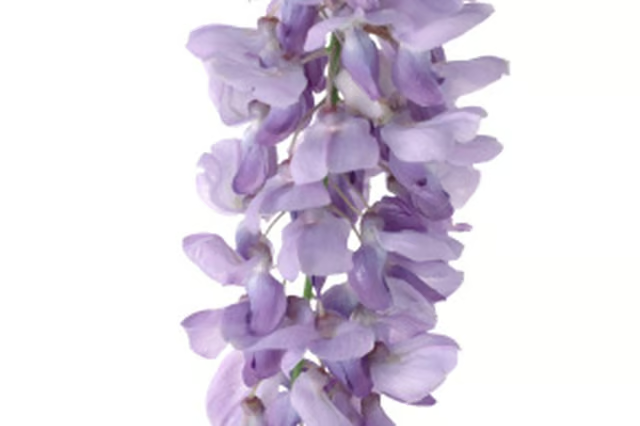
Looking at a photo of real wisteria while you paint can help you create a more realistic image.
-
Mix two brushes of blue, one brush of red and a half-brush of white paint to make a rich purple color.
-
Brush two small curved lines onto the paper or canvas with the purple paint to make a circle. This is the basic shape of the wisteria blossom. Make several small circles in the shape of a “V” for the blossom clusters of the wisteria vine. Make sure to leave some space between the blossoms, as the wisteria clusters have space between the blooms.
-
Draw two small dots under each blossom with a darker purple color. Paint a small white dot in the middle of each circle. Add a small touch of yellow in the center of each white dot.
-
Mix some red and blue paint to make a dark reddish-plum color. Draw lines connecting some of the blossoms with the reddish paint to make the vines themselves.
-
Draw a dark green line near the top of the blossom cluster as the main vine of the wisteria. Connect the line to the blossom cluster by connecting the line to the tops of some of the top blossoms. Make the lines thicker as you move away from the blossom clusters.
-
Repeat the process for any other wisteria clusters that you want to make.
