
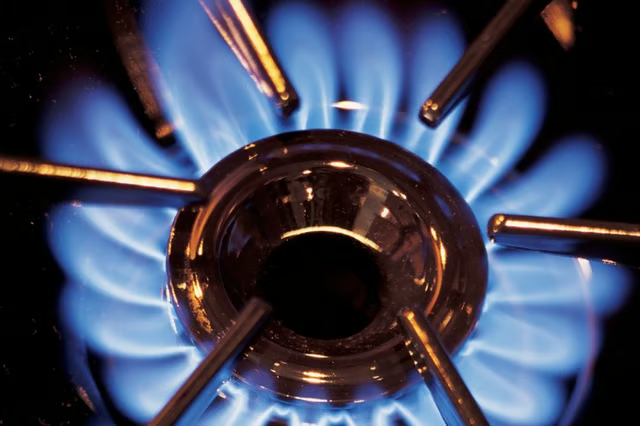
When you turn on your KitchenAid gas range, the gas valves open, and the pilot light fires the burners. At this point your stove is lit. If you notice the burner flames are too high or too low, it could be the result of too much or too little gas pressure. You can control the pressure via the regulator screw on the burner valve. This screw allows you to adjust the strength of the flame.
-
Shut off the gas valve at the rear of the range and turn off power to the range.
-
Pop the control knob off of the gas range. In the center of the opening is the burner regulator valve. In the center of the valve is the adjustment screw.
-
Insert the tip of your screwdriver in the groove in the screw and turn it right to increase the flame, left to decrease it.
-
Switch on the gas and power to the range and replace the control knob. Test the burner by turning it on to the "simmer" setting. If the flame is too high you can turn the regulator screw to the left to decrease it. If it's still too low you can turn the screw to the right.
The Drip Cap
- When you turn on your KitchenAid gas range, the gas valves open, and the pilot light fires the burners.
- Shut off the gas valve at the rear of the range and turn off power to the range.
- If the flame is too high you can turn the regulator screw to the left to decrease it.