

-
Disconnect the appliance from the power supply and remove the back cover with a screwdriver.
-
Unscrew or cut the wires from the old motor and make a note of the color and corresponding number of each wire. Failure to do this will result in frustration and probable calls to a repairman.
-
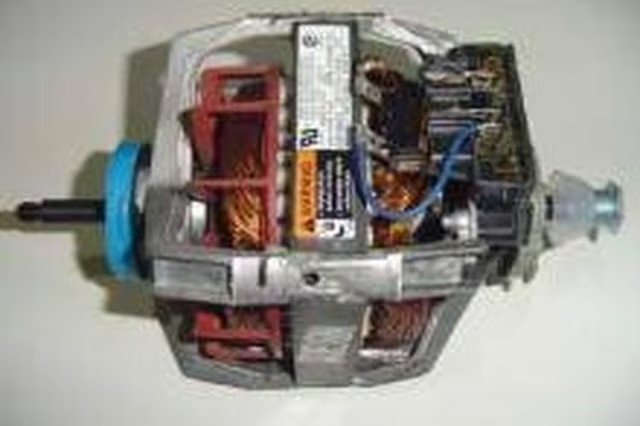
Remove the old motor by unscrewing the unit from the mounting brackets.
Install the new motor on the mounting brackets and align in the same position as the old motor.
-
Reattach wires as follows:
Attach the red wire from the old motor's terminal 1 to terminal 1 on the new motor.
Take the red wire that was on the old motor's terminal 2 and connect to terminal 2 on the new motor.
Attach the purple wire from the old terminal 3 to terminal 3 on your new motor (note: some replacement wires are white for terminal 3).
Connect the blue wire on terminal 4 to the dryer's thermal overload switch, which is a circuit breaker.
Connect the white wire from terminal 5 to terminal 5 on the new motor.
Attach the black wire that was on terminal 6 to the new motor's terminal 6.
-
Slip the drive belt over the pulley on the motor and check for proper tension.
-
Replace the dryer cover and reconnect the appliance to the power supply.
Articles
View All Hover to load posts
Articles
View All Hover to load posts
Articles
View All Hover to load posts
Articles
View All Hover to load posts
Articles
View All Hover to load posts
Articles
View All Hover to load posts
Articles
View All Hover to load posts
Articles
View All Hover to load posts
Articles
View All Hover to load posts
