How to Remove the Metal Ring From Binders

How to Remove the Metal Ring From Binders
Written By
CC
Clara Chavez
Published: Feb 15, 2010
Updated: Nov 20, 2021
1 minute read

Things You Will Need

  • Safety goggles
  • Tin snips
  • Bolt cutter
  • Single cut flat file

Farewell Metal Rings

  1. Decide which ring you want to remove. The holes and their position on the sheets determine which ring to remove.

  2. Open the ring assembly. Put on safety glasses since the metal of the rings could bounce in your direction when they are snipped.

  3. Place the cutting edge of the tin-snips at the base of the ring. Hold the assembly in one hand, and then squeeze the handles of the tin-snips together with the other. Apply pressure until the arms snap off.

  4. Change tools if you cannot apply enough pressure. Place the cutting edge of the bolt cutters at the base of the ring. Squeeze the handles of the bolt cutters together. Apply pressure until the arms snap off.

  5. File down any ragged metal remaining around the edges to keep from nicking a finger on it later. Use a single cut flat file that is designed for finishing type work.

Tips

If you're having trouble keeping the binder assembly steady as you cut it with the bolt cutters, secure it in a vise first.

Warnings

Wear gloves if you have sensitive hands.

Photo Credits

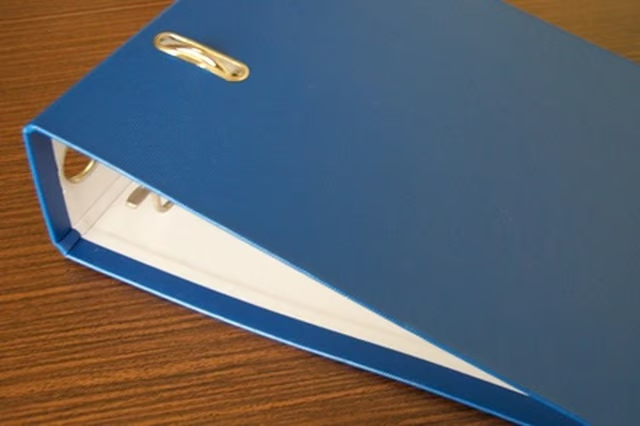
a blue empty binder image by timur1970 from Fotolia.com

a blue empty binder image by timur1970 from Fotolia.com

Sponsored
HomeSteady Logo

HomeSteady is the ultimate guide for all your household needs, from cleaning and HVAC to electrical, DIY and maintenance.

Property of TechnologyAdvice. © 2026 TechnologyAdvice. All Rights Reserved

Advertiser Disclosure: Some of the products that appear on this site are from companies from which TechnologyAdvice receives compensation. This compensation may impact how and where products appear on this site including, for example, the order in which they appear. TechnologyAdvice does not include all companies or all types of products available in the marketplace.