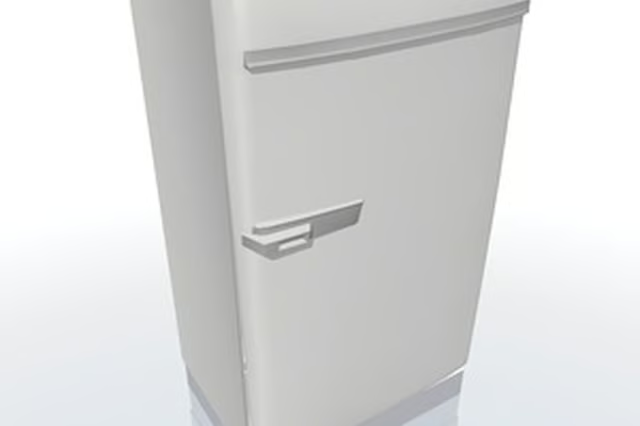
How to Defrost a Kenmore Refrigerator

What Kind of Discount Can I Expect for a Dent on a New Refrigerator?
Written By
Michelle Kerns
Michelle Kerns
Published: Mar 29, 2010
Updated: Nov 20, 2021
1 minute read
  1. Remove all of the food in both the main refrigerator and freezer portions of the appliance. Plan to either store the items in a large, ice-filled cooler or to consume them that day.

  2. Turn the main refrigerator dial to the defrost setting or (in some older Kenmore refrigerators) to "Off." Open both the refrigerator and freezer doors. Place a large pan surrounded by towels beneath the freezer section of the refrigerator.

  3. Place a pan of hot water inside the freezer section to hasten the defrosting process. As the ice begins to melt, regularly empty the pan beneath the refrigerator of water and promptly mop up any excess with large towels.

  4. Wipe down the refrigerator's walls and surfaces with a mixture of mild detergent, water and baking soda after all the ice has melted. Dry the entire inside of the refrigerator thoroughly.

  5. Turn the refrigerator back on. Close the doors and allow the appliance to return to its set temperature. Replace all food items only when the refrigerator is cool enough.

Check out this related video from Homesteady on Youtube.

Warnings

Do not ever attempt to hasten defrosting by scraping or chipping away at the built-up ice: you can irreparably damage the refrigerator. Allow the ice to melt on its own.

Photo Credits

réfrigérateur image by dead_account from Fotolia.com

Michelle Kerns

Michelle Kerns writes for a variety of print and online publications and specializes in literature and science topics. She has served as a book columnist since 2008 and is a member of the National Book Critics Circle. Kerns studied English…

Sponsored
HomeSteady Logo

HomeSteady is the ultimate guide for all your household needs, from cleaning and HVAC to electrical, DIY and maintenance.

Property of TechnologyAdvice. © 2026 TechnologyAdvice. All Rights Reserved

Advertiser Disclosure: Some of the products that appear on this site are from companies from which TechnologyAdvice receives compensation. This compensation may impact how and where products appear on this site including, for example, the order in which they appear. TechnologyAdvice does not include all companies or all types of products available in the marketplace.