


Power
-
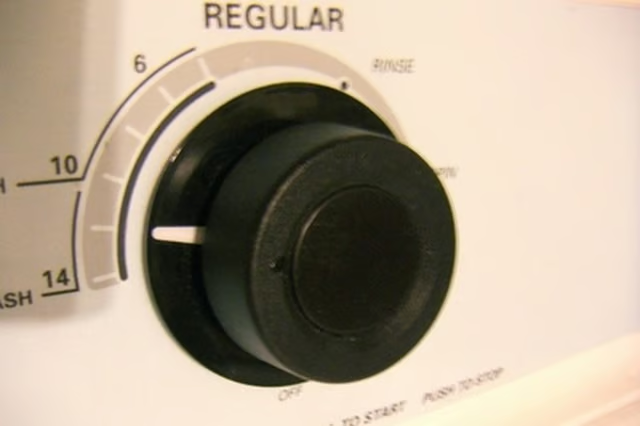
Turn the "Cycle" knob on the front of the dryer until it "clicks" in place.
-
Press the "Start" button on the dryer and hold it for at least 2 seconds. If you don't hold the "Start" button long enough, the dryer will not turn on.
-
Pull the dryer out from the wall if you're still not getting any power to the machine. Unplug the Crosley dryer's power cord from the laundry room's power outlet.
-
Inspect the dryer cord for damage like cracks or corrosion. Inspect the pins on the dryer cord for corrosion. Follow the cord to the back of the dryer where it makes contact with the dryer's electrical output.
-
Use a screwdriver to disconnect the wires from the dryer. Connect your new dryer power cord to the dryer according to the color labels on the power cord on the electrical relays.
Clothes Won't Dry
-
Pull the lint catcher from the dryer and empty any lint out of the catcher. Put the lint catcher back into the dryer.
-
Pull the dryer out from the wall and unplug the power connection. Pull the exhaust hose off of the dryer. This will be an aluminum foil type hose on the bottom of the dryer leading to a hole in the wall.
-
Use a vacuum cleaner to get any dirt or lint out of the exhaust hose. Examine the exhaust hose for any holes or tears and replace it if needed.
-
Use the vacuum to remove any remaining dirt or lint out of the exhaust vent on the back of the dryer where the exhaust hose meets the unit.
-
Reconnect the exhaust hose to the back of the dryer and to the output hole in your wall.