

-
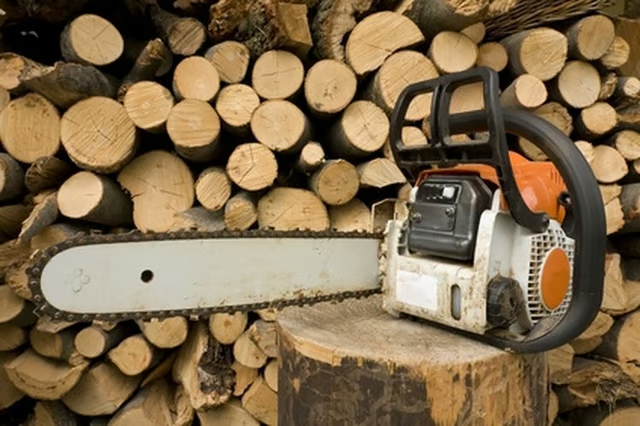
Put work gloves on to protect your hands and fingers. Turn off the chain saw. Unscrew both blade cover nuts counterclockwise with an adjustable wrench. Remove the nuts and pull the blade cover straight off.
-
Turn the tensioning screw counterclockwise until the tensioner slides against the left side of the slot. This releases the tension on the chain.
-
Push the hand guard toward the front of the chain saw to disengage the chain brake. Pull the 18-inch bar and chain straight off the chain saw.
-
Place a 20-inch bar on the chain saw, aligning the holes in the rear of the blade onto the studs.
-
Place a 20-inch chain on the tip of the bar, work it onto the bar at the top, and then the bottom of the bar to the rear. The cutting blades face right when you look at the chain from the rear of the chain saw.
-
Pull the chain around the round metal sprocket behind the rear of the bar. Turn the tensioning screw clockwise to tighten the chain. Place a thumb and forefinger on the chain and pull the top forward. The correct tension on the chain is achieved when it touches the bar on all sides, does not sag and the chain will pull by hand with light force.
-
Align the blade cover on the two studs. Replace both nuts and tighten them clockwise with an adjustable wrench.
Articles
View All Hover to load posts
Articles
View All Hover to load posts
Articles
View All Hover to load posts
Articles
View All Hover to load posts
Articles
View All Hover to load posts
Articles
View All Hover to load posts
Articles
View All Hover to load posts
Articles
View All Hover to load posts
Articles
View All Hover to load posts
