

-
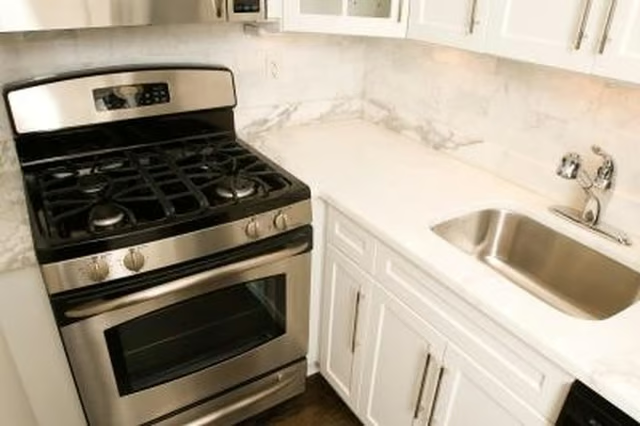
Light any of the stovetop burners before starting the oven if this is the first time you have used the range. Air is easily trapped in the gas lines during installation and should be purged before lighting the oven. The flame will sputter for a few seconds before stabilizing. Try lighting the oven once the stove burner is working properly.
-
Hold the "Lock" button on the control panel for three seconds. You will hear a tone and see a message on the oven's display when the lock is deactivated. The lock feature prevents children from using the oven while unsupervised. Only the timer and clock work while the lock is active. Repeat this step to lock controls again.
-
Check that you are programming the oven correctly. Press "Bake" then tap the "Temp/Time More" button until the desired cooking temperature appears on the screen. Press "Start." The oven won't heat up and cook options will eventually be canceled unless you press "Start" within a minute of selecting a temperature.
-
Check the gas supply if the oven the surface burners aren't working -- the shutoff valve might be closed. The valve is usually located somewhere on the pipe connecting your oven to the main gas supply, but its precise location will depend on how your oven was installed. Turn the valve to its open position and try the oven again.
-
Hit "Off/Cancel" to any messages on the oven's display and try again. Contact Amana if the message returns. Some errors are cleared by simply hitting "Cancel," while others may indicate a technical problem within the oven. Make a note of any recurring error codes.
Articles
View All Hover to load posts
Articles
View All Hover to load posts
Articles
View All Hover to load posts
Articles
View All Hover to load posts
Articles
View All Hover to load posts
Articles
View All Hover to load posts
Articles
View All Hover to load posts
Articles
View All Hover to load posts
Articles
View All Hover to load posts
