


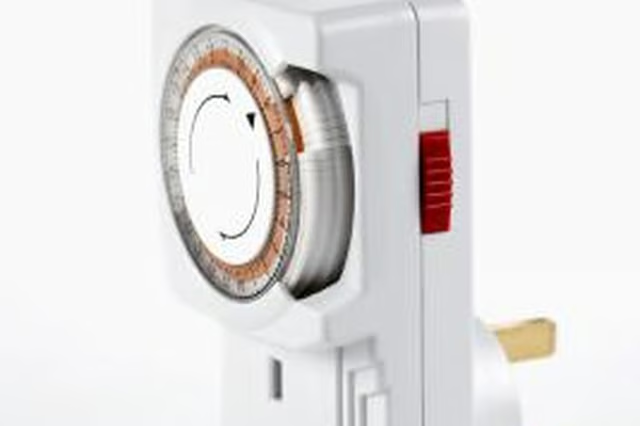
There are many potential uses -- turning a lamp on automatically so you don't come home to a dark home, turning grow lamps on and off automatically, turning decorative lights on and off automatically -- you're only limited by your imagination. Dial outlet timers are simple to employ -- just plug them into an outlet, then plug your device into them and set the timer.
-
Set the time. Turn the dial of the timer clockwise until the black arrow on the timer is pointing at the correct time of day. For example, if it's 2 p.m., turn the arrow to the 2 p.m. setting. This will coordinate the timer with the correct time.
-
Press down the black buttons to set the on and off times for the device you've plugged into the timer. Most timers operate in 15-minute blocks.
-
If you want to use the timer as a regular outlet, with no timer effects, turn the red switch on your timer to the "On" position. This overrides the timer.
The Drip Cap
- Dial outlet timers provide an easy way to regulate the timing of lights and other electrical devices in your home.
- If you want to use the timer as a regular outlet, with no timer effects, turn the red switch on your timer to the "On" position.