


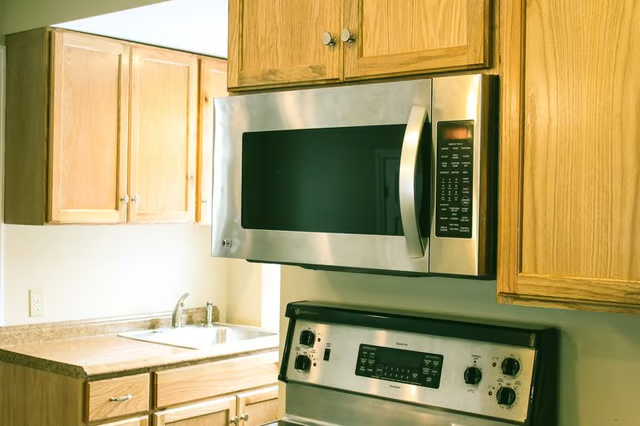
One way to make room is to take that perennial standby, the microwave, and mount it beneath a cabinet. This change will give you more room while providing an elegant look to your food-preparation area.
Things You Will Need
-
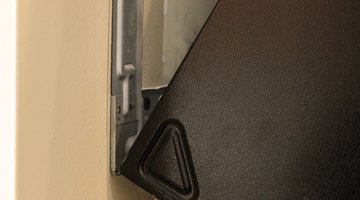
Following the specific manufacturer’s directions, remove the mounting bracket from the package and attach it to the microwave to ensure proper fit.
-
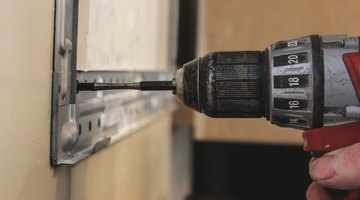
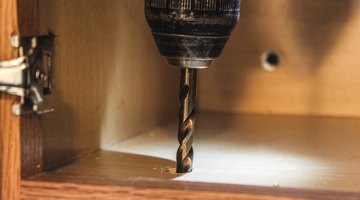
Drill holes in the bottom of the cabinet, to align with the holes for the mounting bracket. If the bracket did not ship with a template for drilling, measure the distances and angles between the nuts on the bracket and replicate them under the cabinet.
-
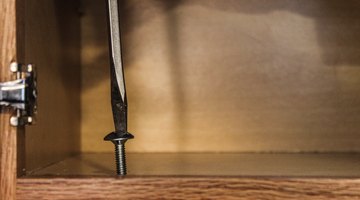
Remove the microwave from the bracket and insert the bracket's bolts into the cabinet holes. Tighten the bolts to secure the bracket in place.
-
Re-install the microwave into the bracket, per manufacturer instructions.
-
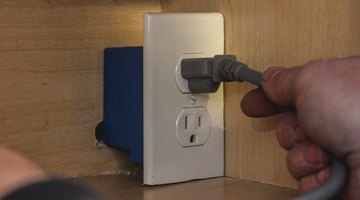
Plug the microwave in and use the zip tie to secure any extra cord.
-
Because the inside of the cabinet will have mounting screws or nuts pushing through the bottom, put some sort of liner on the lowest shelf of the cabinet. A wire rack holder or even a towel will work for this purpose—anything to protect your plates or food items from accidental damage from the protruding hardware.
The Drip Cap
- The various gadgets that make a modern kitchen a source of culinary delight also consume a vast amount of counter space.
- Remove the microwave from the bracket and insert the bracket's bolts into the cabinet holes.
- A wire rack holder or even a towel will work for this purpose—anything to protect your plates or food items from accidental damage from the protruding hardware.