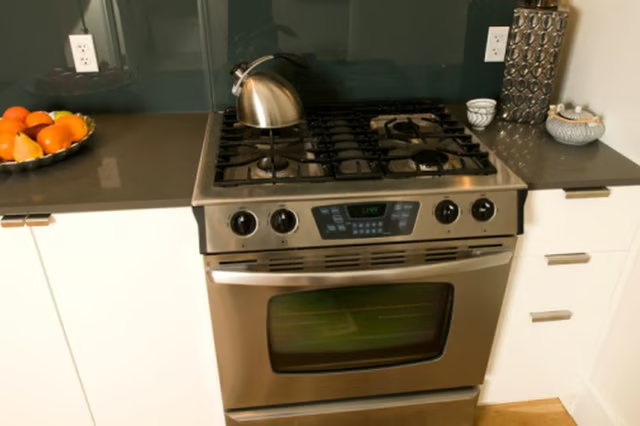
How to Replace the Light Bulb in a Viking Oven

How to Change the Color of a Wall Oven
Written By
Damon Koch
Damon Koch
Published: Nov 8, 2010
Updated: Nov 20, 2021
1 minute read

It does not require any tools to remove the glass cover and replace the bulb.

  1. Unplug the electrical cord of the oven from the outlet in the wall. This is a safety precaution that should be taken whenever any work is being done on an electrical appliance.

  2. Open the oven door and locate the glass dome under which the bulb is connected. Remove the oven racks to make it easier to access the bulb.

  3. Push the glass dome to one side while pulling down, and remove the dome.

  4. Unplug the bulb from the receptacle. The bulb has two prongs that plug into the receptacle in the oven.

  5. Install the new bulb by plugging it into the receptacle. Replace the glass dome by inserting one side, then twist the other side in an upward motion. Plug the electrical cord into the outlet.

The Drip Cap

  • The light bulb in a Viking oven has a glass dome that covers it.
  • If the cover is not removed properly, it could break.
  • The bulb has two prongs that plug into the receptacle in the oven.
  • Unplug the electrical cord of the oven from the outlet in the wall.

Photo Credits

Jupiterimages/Photos.com/Getty Images

Jupiterimages/Photos.com/Getty Images

Damon Koch

Damon Koch has years of writing experience ranging from software manuals to song lyrics. His writing has appeared in software manuals for Human Arc and on the CDs "Small Craft Advisory" and "Impersonating Jesus." He also has worked in…

Sponsored
HomeSteady Logo

HomeSteady is the ultimate guide for all your household needs, from cleaning and HVAC to electrical, DIY and maintenance.

Property of TechnologyAdvice. © 2026 TechnologyAdvice. All Rights Reserved

Advertiser Disclosure: Some of the products that appear on this site are from companies from which TechnologyAdvice receives compensation. This compensation may impact how and where products appear on this site including, for example, the order in which they appear. TechnologyAdvice does not include all companies or all types of products available in the marketplace.