


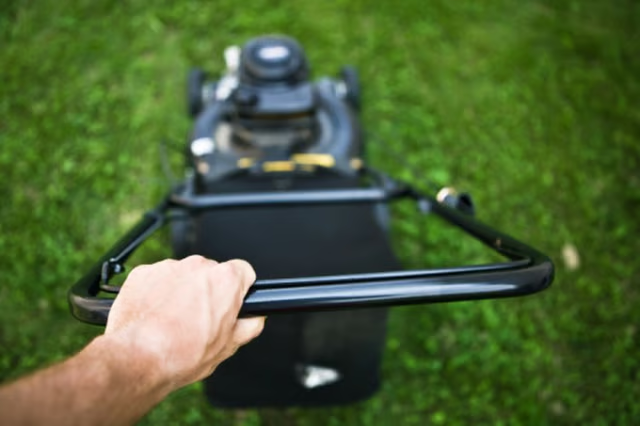
When a cable breaks or comes loose, it's a relatively minor task to connect a new one to the engine. Replacements can be found at home centers, outdoor equipment dealers and lawn and garden stores.
Things You Will Need
-
Insert the curved pin at one end of the cable through the eye on the engine throttle assembly. The throttle assembly is be located by identifying an L-shaped lever bolted to the engine housing. A spring is attached to one leg of the L, and the eye for the throttle cable is on the other leg.
-
Pull the casing on the cable back far enough so that it can rest on a U-shaped fork near the throttle assembly. This fork transfers power through the cable and is usually one inch or less away from the throttle assembly. Set the cable into the fork and push the casing against it.
-
Push the engine throttle lever to its lowest position.
-
Insert the curved pin at the other end of the cable through the eye on the throttle lever so that the middle of the curve sits against the eye.
-
Force the end of the cable casing over the U-shaped fork near the throttle lever with the needle nose pliers. Insert the pin set through the eye with about one inch of cable exposed until the casing starts on the other side of the fork.
The Drip Cap
- Briggs & Stratton small engines are found in a host of small machines, from lawnmowers and rototillers to pressure washers and augers.
- Insert the curved pin at the other end of the cable through the eye on the throttle lever so that the middle of the curve sits against the eye.