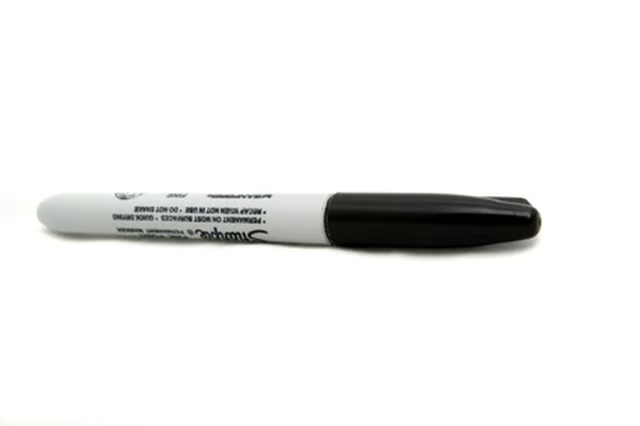
How to Remove Sharpie Permanent Marker From a Keyboard

How to Remove Sharpie Permanent Marker From a Keyboard
Published: Sep 18, 2010
Updated: Nov 20, 2021
1 minute read

If you accumulate Sharpie ink stains on your computer keyboard, for instance, you can remove these marks using inexpensive items that you may already have right at home.

Things You Will Need

  • Dry-erase marker
  • Paper towel or rag
  1. Unplug the keyboard from your computer.

  2. Cover the Sharpie ink stains with ink from a dry-erase marker.

  3. Wipe off the dry-erase marker with a clean, dry, soft cloth. The permanent ink will come off as well.

  4. Plug the keyboard back in to your computer.

The Drip Cap

  • Sharpie markers are generally considered to be permanent markers.
  • While it is true that the ink from these markers is resistant to most stain-removal methods, you can remove Sharpie marks from certain surfaces.

Photo Credits

marker image by Rich Johnson from Fotolia.com

marker image by Rich Johnson from Fotolia.com

Charlotte Johnson

Charlotte Johnson is a musician, teacher and writer with a master's degree in education. She has contributed to a variety of websites, specializing in health, education, the arts, home and garden, animals and parenting.

Sponsored
HomeSteady Logo

HomeSteady is the ultimate guide for all your household needs, from cleaning and HVAC to electrical, DIY and maintenance.

Property of TechnologyAdvice. © 2026 TechnologyAdvice. All Rights Reserved

Advertiser Disclosure: Some of the products that appear on this site are from companies from which TechnologyAdvice receives compensation. This compensation may impact how and where products appear on this site including, for example, the order in which they appear. TechnologyAdvice does not include all companies or all types of products available in the marketplace.