
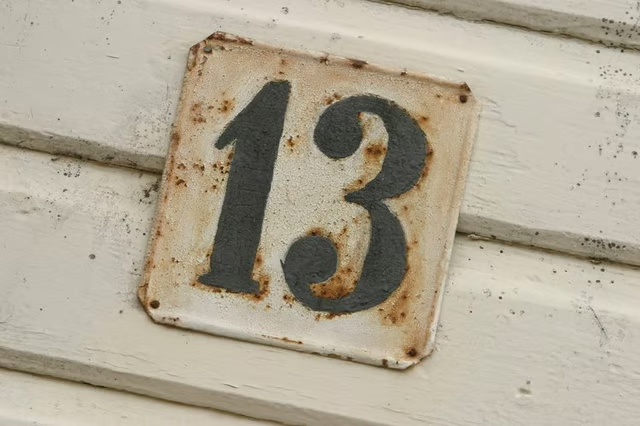
It's not just phobias that drive house number changes. Duplicate numbers need correction, as do numbers out of sequence with the rest of the street. Perhaps you've subdivided your home, or simply moved to a new apartment or house. Whatever the reason, if you want your mail, you'll need to let the U.S. Postal Service know your new address.
Change of House Number
-
Locate your local zoning administration office. Your county government website may have a zoning administration page; otherwise, telephone or visit your city or town hall and ask for the phone number of the relevant department.
-
Ascertain the procedure for changing house numbers in your area. The process varies across municipalities. Some allow a house number change only for a valid reason, typically that an existing number is wrong, or that a new home has been constructed, or two or more homes have been merged. In some areas, local building codes obligate the property owner to change numbers that are inconsistent with the uniform numbering system, in which case it is unlawful to continue using an incongruous number.
-
Complete the necessary form and return it with the required fee and any supporting documentation. This might include original building permits and certificates of occupancy for any construction work.
-
Receive an official Notice of your changed street address number. Check that the Notice is accurate and then send it to the U.S. Postal Service to notify them of the address change. Telephone the USPS or speak to your local post office first to confirm where the Notice should be sent, and whether it should be addressed to any specific individual. Keep a copy of your Notice and cover letter.
Change of Address
-
Visit the USPS online change-of-address facility not more than three months before you move house, or more than 30 days after.
-
Read the terms and conditions and click to confirm that you have done so. Check to select whether your change of address for mail forwarding purposes is permanent or temporary. Use the pop-up calendar to select the date you want the new delivery address to begin and check to confirm whether only your mail is to be forwarded or that of the whole family. Click "Continue."
-
Enter your name. Enter your old address and new address, including the zip codes for both addresses. Complete your contact details. You must have an email address to use the online change of address facility. Click "Continue."
-
Verify your identity by entering your credit or debit card details when promoted. Confirm the information and click to submit. A $1 fee is deducted from your card. Alternatively, print the form before submitting and take it to your local post office, which will process your application without charge.