
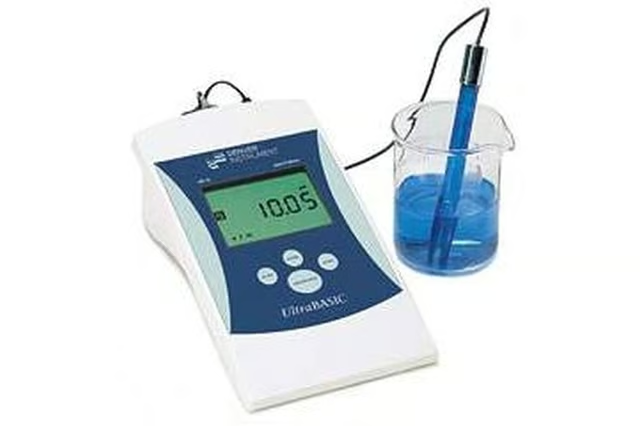


Here is a simple guide to calibrating and using a pH meter.
Things You Will Need
-
Make sure that the pH probe you are using has been stored in a storage solution or a pH 4 solution. If this is not the case, soak the probe in distilled water for at least 24 hours.
-
Check that the meter is set in pH mode, and then rinse the probe of your meter in distilled water. Shake it off before placing it in a pH 7 solution for calibration.
-
Let the probe remain in the solution for at least 30 seconds to allow time for the meter to stabilize, and then adjust the meter so that it reads pH 7.
-
Rinse once again and then place it into a pH 4 solution, giving time for the meter reading to stabilize. Adjust the meter so that it reads pH 4. Your meter has now been calibrated.
-
Rinse the probe once again as you have done before and shake off any excess liquid. The probe is now ready to be placed in your sample liquid.
-
After allowing the pH reading to settle as you have done before, take the pH reading of your sample.
-
Store the probe in storage solution or a pH 4 solution when finished measuring.
The Drip Cap
- Whether you are a chemist, environmentalist or home gardener, you may find yourself needing to measure the acidity or alkalinity of a certain liquid.
- Make sure that the pH probe you are using has been stored in a storage solution or a pH 4 solution.
- Rinse once again and then place it into a pH 4 solution, giving time for the meter reading to stabilize.
- Your meter has now been calibrated.