
Step 1
Enter your attic or otherwise make sure that the electrical conduit that flows into your home is securely installed. It should be tightly wrapped and inserted into the roof to create the connection to the outside line.
Step 2
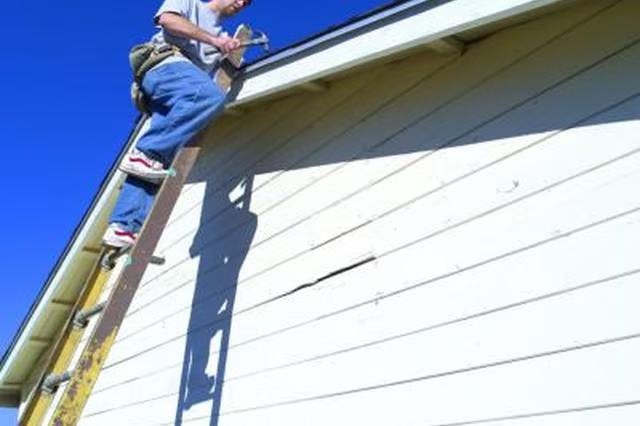
Climb a ladder to the top of the roof. Remember to bring the mast weather head, your power drill and screws.
Step 3
Twist the weather head into the open conduit that was originally created by your home developer. The conduit connects to the wires that feed into the rest of the home. The weather head makes for a pretty tight bend in the wires, then goes through the plastic holes. This normally is sufficient support inside the conduit.
Step 4
Match the external power and electrical wires from outside the home to the corresponding ones entering your home. They should be the same color or material. Use clamps to secure the connection.
Step 5
Insert the flat-head screws into the base of the weather head and cautiously drill it into place. There should be four or five holes depending on the manufacturer.
Step 6
Close the cap on the weather head and slowly head back down your ladder to appreciate your work.