


Step 1
Locate a power outlet. If there isn't a power outlet in the closet, locate one near the closet.
Step 2
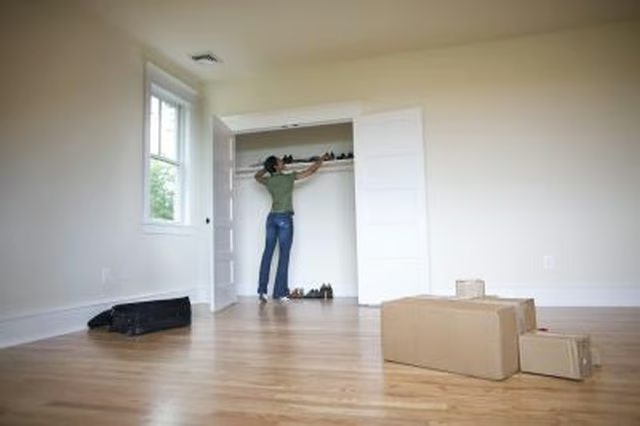
Clean out the closet. Remove the closet doors, using the screwdriver to unscrew hinges or remove closet rails, if necessary.
Step 3
Measure the height, width and depth of the closet.
Step 4
Purchase an inexpensive, prefabricated entertainment center that will fit into the closet. Select one that will fit snugly into the space, allowing you to store all of your media equipment directly on it. Take into consideration the dimensions of your television when purchasing an entertainment center to ensure it will fit on the piece of furniture.
Step 5
Place the entertainment center inside the closet. Use care while moving it in place to avoid damaging the piece.
Step 6
Set your media equipment onto the entertainment center, including your television, stereo, DVD player and any other equipment you wish to house on the piece. Store DVDs and CDs on shelves within the entertainment center.
Step 7
Plug the equipment into a surge protected power cord. Plug the cord into an outlet within the closet or into an outlet near the closet.