

-
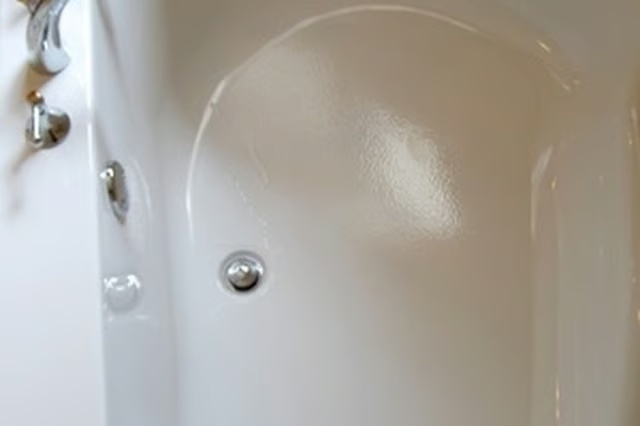
Remove the lift-and-turn stopper. This involves removing the screw cap on top of the stopper that holds it in the drain. Try to do this by hand at first, by twisting the screw cap counter-clockwise. If that doesn't work, use two pairs of pliers--one to hold the stopper in place, and the second to remove the screw cap.
-
Remove the bathtub drain. Insert the pliers into the drain basket and grab onto the tines at the bottom. Twist in a counter-clockwise direction. You can also rent a basket removal tool from your local hardware or plumbing supply shop.
-
Clean the drain opening. Use a putty knife to remove any old caulk or putty. Use a rust remover to clean off any rust spots.
-
Turn the new drain basket over. Apply a thin bead of plumber's putty along the underside of the perimeter.
-
Insert the drain basket into the drain opening, right side up. Screw into place with the pliers or with a basket tool. Wipe away any excess putty.
-
Insert the stopper back into the drain, making sure to thread the lifter through the middle of the drain. Screw the cap back into place.
Articles
View All Hover to load posts
Articles
View All Hover to load posts
Articles
View All Hover to load posts
Articles
View All Hover to load posts
Articles
View All Hover to load posts
Articles
View All Hover to load posts
Articles
View All Hover to load posts
Articles
View All Hover to load posts
Articles
View All Hover to load posts
