

-
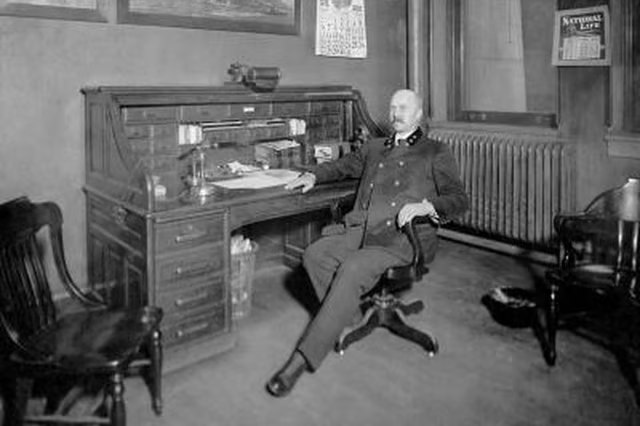
Clean off the surface of your desk, both inside the roll top and on the very top of the desk. Close all drawers and roll down the roll top most of the way. Leave an open space at the bottom of the desk, propping it slighly open using the corks by positioning them on the right and left sides of the roll top, between the bottom of the lip and the desk. This will leave you room to operate the saw blade without damaging the desktop.
-
Cut a vertical strip of material from the middle of the roll top using the panel saw. Make this strip about 10 inches wide. Cut from bottom to top, stopping about 2 inches shy of the top lip of the desk to saw across and remove the strip.
-
Break up the remaining strips of of wood, including the thickest strip at end, from the top of the roll top. Strike the center of each board with a hammer to crack it. Repeat until each board breaks and bends down in the middle. If possible, strike again and try to get the pieces of broken wood to separate from each other.
-
Pull the remaining side portions of the roll top out of the tracks on left and right. If they resist, carefully strike the boards of the roll top with the hammer, taking care to avoid striking the rest of the framework of the desk.
Articles
View All Hover to load posts
Articles
View All Hover to load posts
Articles
View All Hover to load posts
Articles
View All Hover to load posts
Articles
View All Hover to load posts
Articles
View All Hover to load posts
Articles
View All Hover to load posts
Articles
View All Hover to load posts
Articles
View All Hover to load posts
