

-
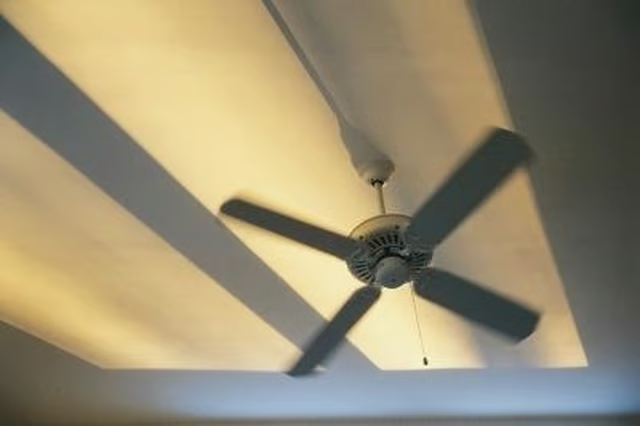
Turn off the circuit breaker that powers the Hampton Bay ceiling fan. As an extra precaution, turn off the wall switch if the fan is wired to a wall switch. Position a step stool under the ceiling fan so you can reach the top of the unit.
-
Remove the globes and light bulbs, if your unit has a light fixture. Light fixtures with four open globes use three screws through the metal collar that holds the base of the globe to secure them to the fixture. Turn the screws counterclockwise by hand and remove the globes.
-
Loosen the three screws securing the light fixture to the fan with a Phillips-head screwdriver. Turn the light fixture body counterclockwise and gently lower it until you can see the wires. Untwist the wire caps securing the light fixture wires to the ceiling fan and place the light fixture out of your way.
-
Remove the screws securing the ceiling fan blades to the motor with a Phillips-head screwdriver. Removing the blades makes it less cumbersome to remove the rest of the fan from the ceiling.
-
Find the three to four screws securing the canopy cover over the ceiling fan motor housing. Loosen and remove the screws with the screwdriver. Lower the canopy away from the housing.
-
Remove the nuts securing the motor housing to the mounting bracket stud with a wrench. Lower the housing and hook one side on the hook of the mounting bracket. Turn the plastic wire caps securing the ceiling fan motor wires to the house wires counterclockwise. Separate the wires and twist the caps onto the ends of each individual house wire until you are ready to connect them to another fixture.
-
Unhook the ceiling fan motor housing from the mounting plate hook. Unscrew the bolts securing the mounting bracket to the ceiling junction box with the screwdriver.
Articles
View All Hover to load posts
Articles
View All Hover to load posts
Articles
View All Hover to load posts
Articles
View All Hover to load posts
Articles
View All Hover to load posts
Articles
View All Hover to load posts
Articles
View All Hover to load posts
Articles
View All Hover to load posts
Articles
View All Hover to load posts
