

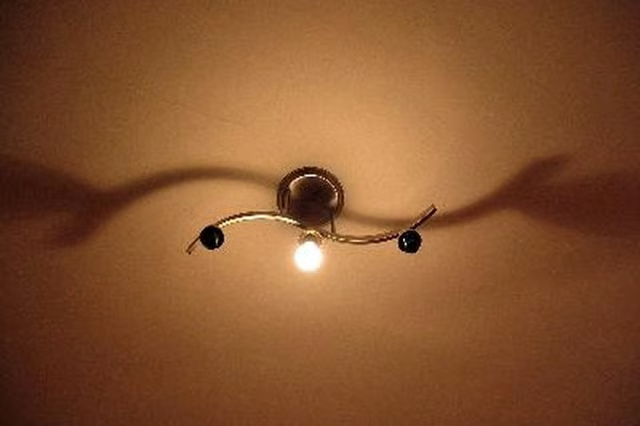
-
Shut off the power to the lighting fixture at the main breaker. Confirm it is off with a voltage detector or by simply trying to operate the light.
-
Remove the old light from its socket and remove the twist-on wire connectors securing the electrical conductors to the fixture.
-
Attach the black wire to the positive connection on the transformer from your low-voltage kit with a twist-on wire connector. A twist-on wire connector works by twisting the two wires together, then threading the connector on top until it's tight.
-
Attach the white wire to the neutral connection on the transformer and the bare or green wire to the transformer's ground.
-
Mount the transformer in the ceiling cavity. Transformers can generate a lot of heat, so avoid burying it in insulation.
-
Attach the positive wire from the transformer to the low-voltage light's positive wire and the neutral wire to the the light's neutral with twist-on wire connectors.
-
Push the wires up into the socket and fasten the light fixture to the electrical box with the two screws provided. These will thread through the light and into the box on either side.
Articles
View All Hover to load posts
Articles
View All Hover to load posts
Articles
View All Hover to load posts
Articles
View All Hover to load posts
Articles
View All Hover to load posts
Articles
View All Hover to load posts
Articles
View All Hover to load posts
Articles
View All Hover to load posts
Articles
View All Hover to load posts
