How to Attach Sandpaper to a Dremel

How to Attach Sandpaper to a Dremel
Written By
Nathan Fisher
Nathan Fisher
Published: May 13, 2011
Updated: Nov 20, 2021
1 minute read

Things You Will Need

  • Dremel rotary tool
  • Dremel rotary chuck key
  • Dremel rotary tool sanding band
  • Dremel rotary tool sanding flapwheel
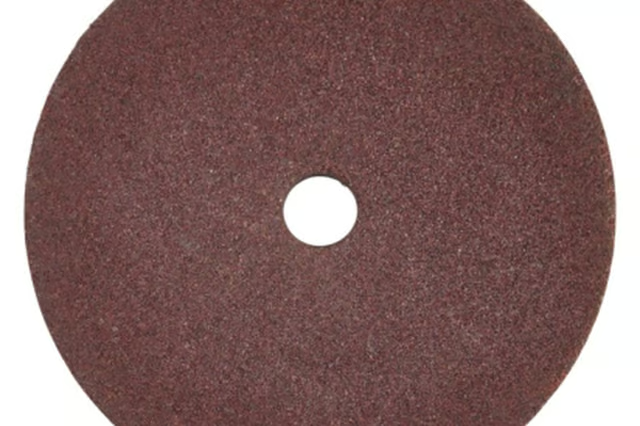
  • Dremel rotary tool sanding disks
  • Dremel rotary tool sandpaper disks
  • Dremel oscillating tool
  • Dremel oscillating tool hook and loop sanding pad
  • Dremel oscillating tool sandpaper disks
  • Dremel oscillating tool accessory key
  • Screwdriver

Dremel Rotary Tool

  1. Choose the sanding attachment that is best suited to the project. Dremel offers three sanding attachments for its rotary tool: a sanding disk for flat surfaces; sanding bands for narrow surfaces, such as the edge of a piece of wood; and flapwheels, for sanding corners and right angles.

  2. Hold the chuck key in your hand and insert the key into the chuck on the Dremel tool. Turn the key counterclockwise to open the chuck.

  3. Insert the shaft of the sanding band drum, flapwheel or sanding disk into the chuck.

  4. Reinsert the chuck key into the chuck and turn the key clockwise to tighten the chuck. This holds the sanding attachment in place.

Dremel Oscillating Tool

  1. Insert the Dremel oscillating tool accessory key over the end of the accessory attachment nut on the shaft of the oscillating tool.

  2. Twist the key counterclockwise to loosen the retaining nut. Remove the nut from the shaft of the tool.

  3. Insert the Velcro-style hook and loop sanding pad over the shaft. Replace the retaining nut over the shaft. Tighten the nut, and sanding pad, in place with the key.

  4. Press a piece of sandpaper, with its hook and loop back, onto the sanding pad with your fingers.

Photo Credits

Hemera Technologies/PhotoObjects.net/Getty Images

Hemera Technologies/PhotoObjects.net/Getty Images

Nathan Fisher

Nathan "Guide" Fisher began writing in 1997. A pilot and avid outdoorsman, Fisher has written articles on aviation and outdoor recreation, and produced marketing materials for “The Great Outdoors NETWORK!” Fisher holds bachelor's degrees…

Sponsored
HomeSteady Logo

HomeSteady is the ultimate guide for all your household needs, from cleaning and HVAC to electrical, DIY and maintenance.

Property of TechnologyAdvice. © 2026 TechnologyAdvice. All Rights Reserved

Advertiser Disclosure: Some of the products that appear on this site are from companies from which TechnologyAdvice receives compensation. This compensation may impact how and where products appear on this site including, for example, the order in which they appear. TechnologyAdvice does not include all companies or all types of products available in the marketplace.