


Levolor cellular and woven shades snap into the upper bracket much like blinds. If you are removing multiple shades, it is a good idea to keep each shades mounting hardware with the shade.
Cellular and Woven Shades
-
Unhook the bottom shade rail from the retaining brackets at the bottom of the window sill. Slide the bottom rail to one side to unhook the opposite end. Move the bottom rail in the opposite direction to disconnect the other end.
-
Raise the shade up to the head rail using the pull string or by pushing the shade up with your hands. The head rail is the portion of the shade that hooks into the upper brackets.
-
Grasp the head rail on each end of the shade and twist the front upper edge down to unhook the head rail from the upper brackets. Roll the head rail down and pull the back of the head rail free from the brackets.
-
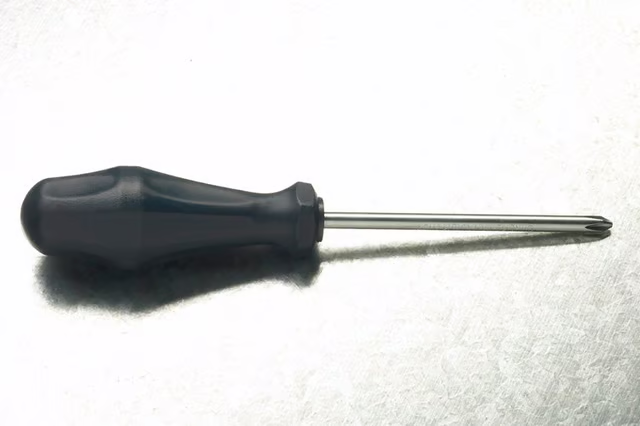
Remove the screws securing the upper and lower brackets to the wall with a Phillips-head screwdriver.
Roller Shade
-
Pull down quickly on the bottom of the roller shade to engage the recoil spring to roll the shade around the shade tube.
-
Locate the upper bracket that has the open side facing you. Lift the roller shade slightly with your hands until you see the shade pin on the bracket that is open.
-
Pull the end of the shade with the visible pin out of the bracket and remove the shade form the window.
-
Remove the screws securing the shade roller brackets to the window frame with a Phillips-head screwdriver.
The Drip Cap
- Levolor shades and blinds are one way to dress up your windows and provide privacy.
- When you paint your walls or are moving, it is necessary to remove the Levolor shades.
- Grasp the head rail on each end of the shade and twist the front upper edge down to unhook the head rail from the upper brackets.
- Remove the screws securing the shade roller brackets to the window frame with a Phillips-head screwdriver.