


Environmental Protection Agency (EPA), your programmable Aprilaire model 8363 also helps you save energy; you can save up to 30 percent in cooling and heating costs. Not much can go wrong with your Aprilaire 8363, but when you must troubleshoot your thermostat, it will only take a few minutes of your time.
Install New Batteries
-
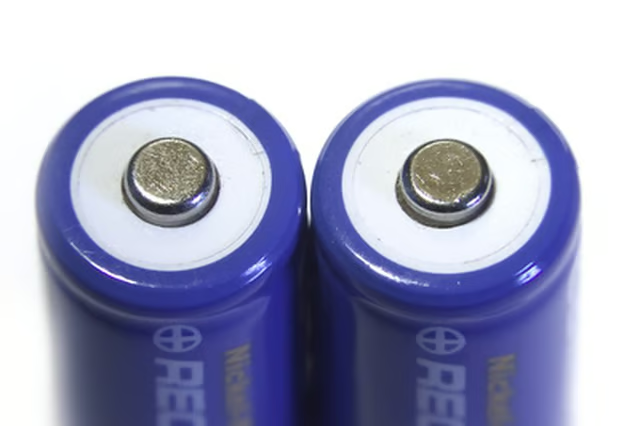
Replace your old AA batteries with new AA batteries if you see the "Low Battery" message appear on your Aprilaire display. Move the "Fan" switch to "Auto" and the "Mode" switch to the "Off" position. Locate the Fan and Mode switches on the right side on the front of the Aprilaire thermostat.
-
Pull the battery housing or cover carefully from the base to remove it, then remove the old batteries, located at the bottom, and insert new ones.
-
Replace the housing, return the "Fan" and "Mode" switches to the positions you prefer, and then make certain you see the correct time and day on the display. You must reprogram your Aprilaire thermostat if more than one minute passed since you replaced the batteries.
Reprogram Time and Day
-
Press the "Current Time" button on the left front side of your thermostat, then press the up and down arrow buttons also located on the left to adjust to the current hour.
-
Press "Current Time" again, then adjust the arrows to the current day, then press "Current Time" to complete the process. You will see "Done" appear on the display.
-
Reset the clock also if you see your thermostat clock flash "12:00." This tells you there was a loss of power to your thermostat.
The Drip Cap
- Your Aprilaire thermostat provides you with features designed to make your living space comfortable at all times.
- Not much can go wrong with your Aprilaire 8363, but when you must troubleshoot your thermostat, it will only take a few minutes of your time.
- Replace the housing, return the "Fan" and "Mode" switches to the positions you prefer, and then make certain you see the correct time and day on the display.