How to Reset a Trane HVAC After a Power Loss

How to Reset a Trane HVAC After a Power Loss
Written By
Maxwell Payne
Maxwell Payne
Published: Oct 3, 2011
Updated: Nov 20, 2021
1 minute read

Step 1

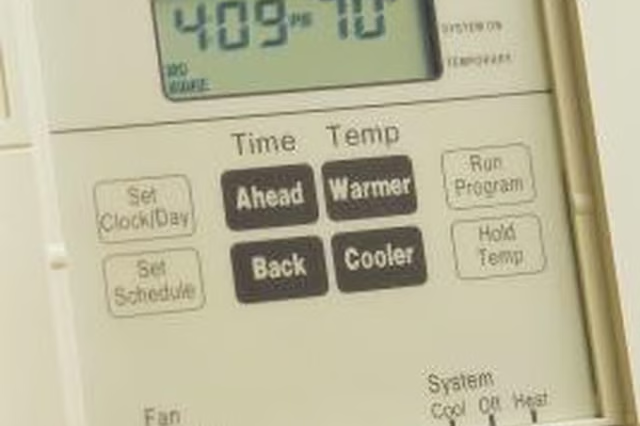
Turn the thermostat to the "Off" position. Wait a few minutes, then turn the thermostat either to "Heat" or "Cool."

Step 2

Set the thermostat to the desired temperature. Wait a few minutes to listen for the sound of the system turning on.

Step 3

Go to the circuit breaker box if you do not feel or hear airflow. Locate the circuit for the HVAC system. If it is tripped, move it back to the "On" position. If it is already in the "On" position, flip it to the "Off" position and then back to the "On" position.

Step 4

Turn the thermostat off and then on again. Set the temperature to complete the reset process.

Warnings

If your Trane system uses natural gas and you smell gas fumes, evacuate the building and contact your gas utility company immediately.

Photo Credits

Comstock/Comstock/Getty Images

Maxwell Payne

Maxwell Payne has been a freelance writer since 2007. His work has appeared in various print and online publications. He holds a Bachelor of Science in integrated science, business and technology.

Sponsored
HomeSteady Logo

HomeSteady is the ultimate guide for all your household needs, from cleaning and HVAC to electrical, DIY and maintenance.

Property of TechnologyAdvice. © 2026 TechnologyAdvice. All Rights Reserved

Advertiser Disclosure: Some of the products that appear on this site are from companies from which TechnologyAdvice receives compensation. This compensation may impact how and where products appear on this site including, for example, the order in which they appear. TechnologyAdvice does not include all companies or all types of products available in the marketplace.