


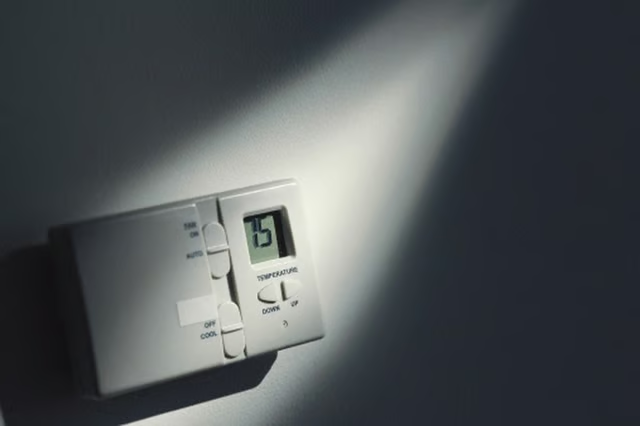
During the first five years, Trane will repair a malfunctioning thermostat free of charge. Before calling for service, try to fix common issues by troubleshooting the thermostat.
-
Press the “System” button on the thermostat, and set the system to “Heat.” If the heating system does not respond to the thermostat, check that the heat setting on the thermostat is higher than the room's temperature.
-
Push the “System” button on the thermostat, and set the system to “Cool.” If the cooling system does not respond, you must set the temperature on the thermostat lower than the current room temperature for the system to turn on.
-
Inspect the circuit breaker, and reset the breaker, if needed. Push the breaker to the “On” position to reset it. Turn on the power switch on the cooling and heating system, and close the furnace door.
-
Wait five minutes after turning on the thermostat or selecting a new temperature setting.
-
Allow the system to restart after a five-minute delay if “Cool On” or “Heat On” flashes on the display. The compressor protection feature has been enabled. This prevents the system from restarting too quickly after shutdown and causing damage to the compressor. The message will stop flashing and the system will restart after five minutes
The Drip Cap
- Trane manufactures a line of thermostats designed to work with the heating and cooling system in your home.
- Before calling for service, try to fix common issues by troubleshooting the thermostat.
- Press the “System” button on the thermostat, and set the system to “Heat.” If the cooling system does not respond, you must set the temperature on the thermostat lower than the current room temperature for the system to turn on.